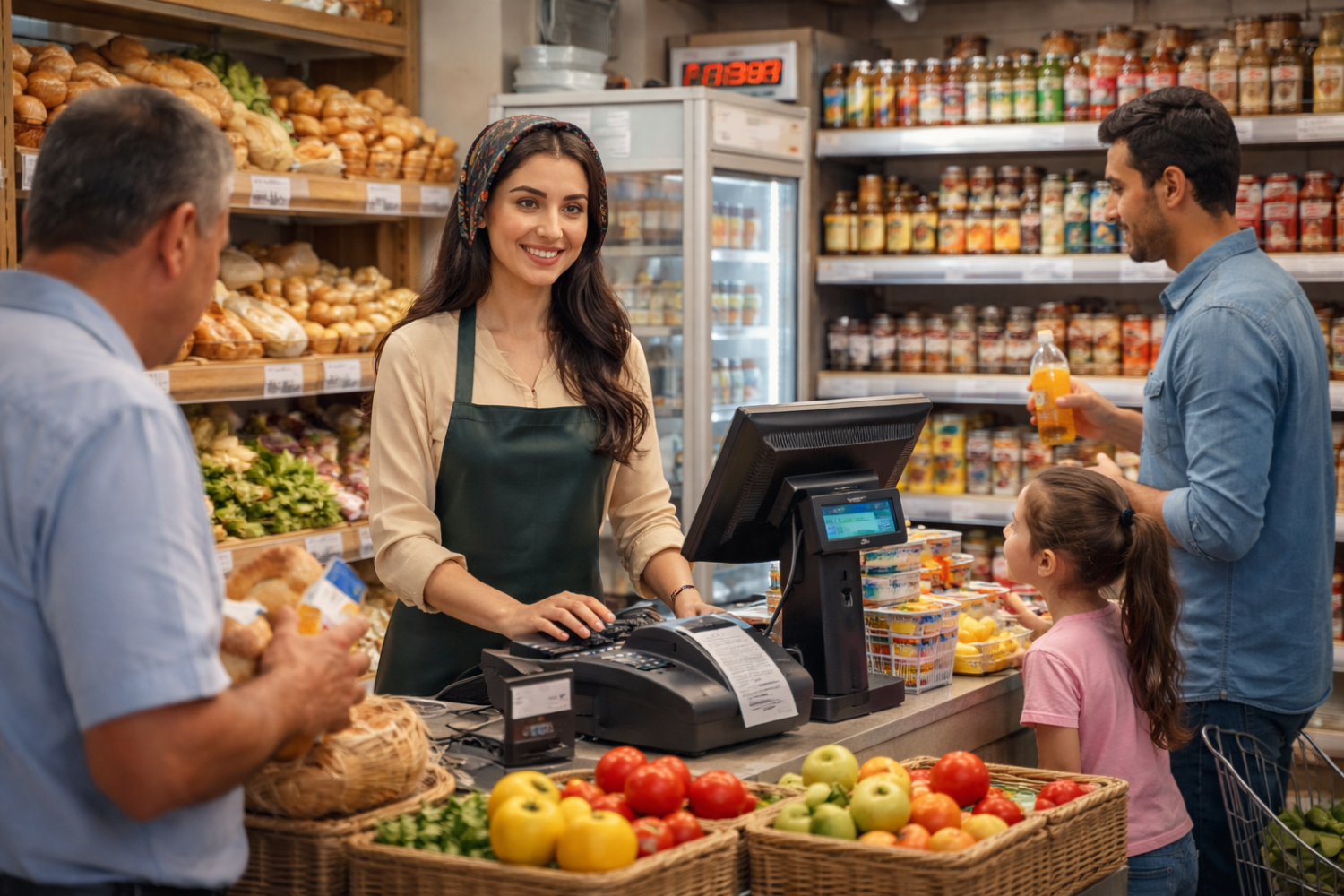
Store automation is the implementation of software and retail equipment that speeds up daily operations and reduces manual work in retail: checkout sales, inventory management, stock control, goods receiving, stocktaking, and reporting. As a result, the store owner manages the business based on accurate data, while employees work faster and make fewer mistakes.
Today, store automation in Uzbekistan is no longer relevant only for large retail chains. It has become a practical necessity for any format — grocery stores, minimarkets, and convenience stores. Competition is increasing, customers expect fast service, and entrepreneurs need precise control over assortment and stock levels to avoid losses. Market digitalization further accelerates this process: more operations are moving to digital formats, while accounting and analytics are becoming key management tools.
For small businesses, automation is especially valuable because it allows them to achieve more with fewer resources. One cashier can serve more customers, owners can control sales and inventory without manual spreadsheets, and stocktaking takes hours instead of days. In addition, store accounting automation reduces the human factor: fewer errors during receiving and sales, better control over expiration dates, and timely replenishment of best-selling items. All this directly impacts revenue and business stability.
In this article, we explain how to automate a retail store in Uzbekistan: which tasks should be addressed first, what software stores use, what the minimum equipment set looks like, and which devices help strengthen inventory control and increase work speed — especially for small stores and convenience stores.
Store Automation: What It Is and Why It Matters
Store automation is a comprehensive solution that combines software and retail equipment to manage key retail processes. Unlike manual accounting or disconnected tools, automation creates a unified system where all operations are recorded and processed in real time.
In retail, automation is usually divided into three main areas:
- Checkout automation — faster customer service using POS software, barcode scanners, and electronic scales. Sales are processed quicker, queues are reduced, and transactions are recorded accurately.
- Inventory automation — control of product movement from receiving to sale. Stock levels are updated automatically, while receiving, stocktaking, and write-offs become simpler. This is especially important for grocery stores.
- Analytics automation — collection and analysis of data on sales, revenue, margins, and turnover. Owners receive clear reports and can make decisions based on data rather than assumptions.
Automation significantly simplifies daily store operations. Employees no longer need to enter data manually or keep paper records — most processes are automated. Store owners can check stock levels at any time, identify best-selling items, and manage assortment more effectively.
In practice, automation improves service speed, reduces sales and accounting errors, and shortens stocktaking time. Accurate inventory control helps reduce losses from shortages and expired goods, directly increasing profitability.
Modern automation is built on a combination of digital and hardware components. The digital part includes store management and accounting software (POS, inventory, analytics). The hardware part includes POS equipment, barcode scanners, receipt and label printers, electronic scales, and other devices. Together, they create a stable and scalable automation system.
Software for Store Automation
Software is the foundation of store automation. It connects the checkout, warehouse, sales floor, and management into a single system. Analysis of the Uzbekistan market shows that competitors place strong emphasis on software solutions, while equipment is seen as a tool that enables efficient software operation.
For small stores and convenience stores, properly selected software helps organize accounting and control without complex implementation or high costs.
What the Software Does
- Employee and product accounting. All sales are recorded, product catalogs are managed, stock levels are controlled, and cashier activity is tracked.
- Reporting and analytics. The system generates reports on revenue, average receipt, best-selling items, sales dynamics, and profitability.
- Integration with accounting and warehouse. Sales floor and warehouse data are synchronized, simplifying receiving, stocktaking, and financial documentation.
With automated store accounting, the need for additional spreadsheets and paper logs disappears — all data is updated automatically within one system.
Popular Software Solutions in Uzbekistan
- Regos. A universal solution for sales and inventory accounting, suitable for convenience stores and small retail outlets.
- EasyTrade. Known for ease of implementation, widely used in grocery stores and minimarkets.
- Optimo. A comprehensive solution combining POS, warehouse, and analytics, suitable for stores planning to expand their assortment.
- Sellerpeak 24. A cloud-based solution ideal for owners who want remote store control.
The choice of software depends on store format, assortment, and business goals. Most importantly, it must support integration with POS equipment, scanners, scales, and other devices to ensure full retail automation.
Equipment for Store Automation
Effective automation is impossible without properly selected retail equipment. In Uzbekistan, the best results are achieved when software and hardware work together as a unified system: equipment ensures fast data input, while software processes data and handles accounting and analytics.
POS Terminals and Online Cash Registers
POS terminals and online cash registers are the core of any retail store. All sales, returns, and cash transactions pass through the checkout. Small stores often use compact POS terminals or smart cash registers that take up minimal space and fit perfectly into convenience store environments.
Barcode Scanners
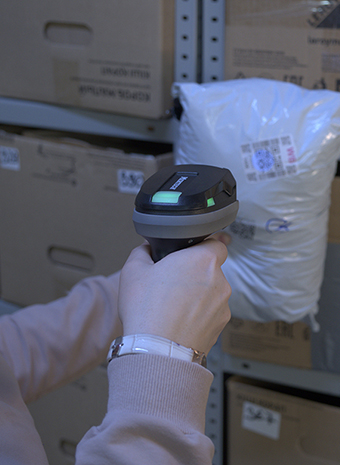
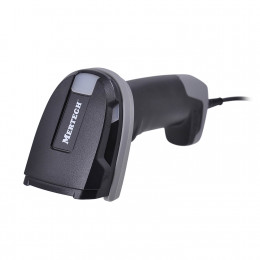
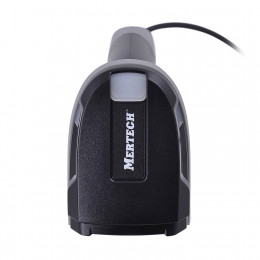
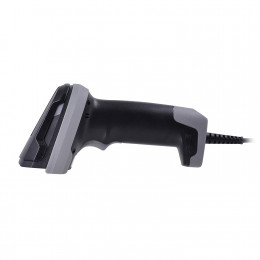
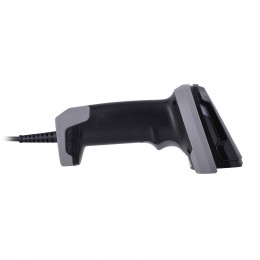
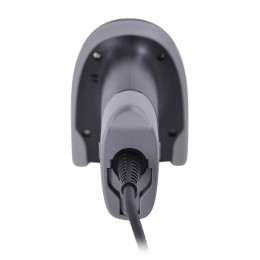
Barcode scanners speed up cashier work and reduce errors during sales. Instead of manual data entry, products are identified in seconds and automatically transferred to the accounting system. For retail automation, 2D scanners are the most versatile option.
Receipt and Label Printers
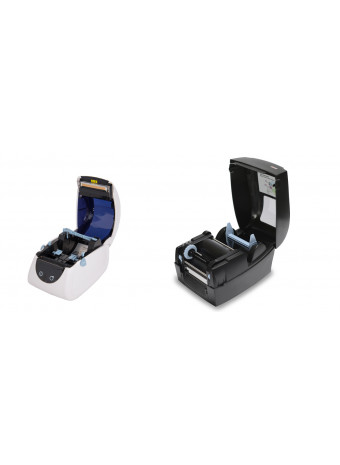
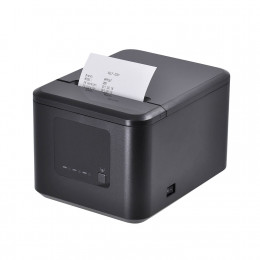
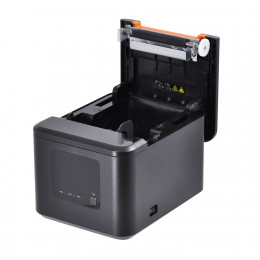
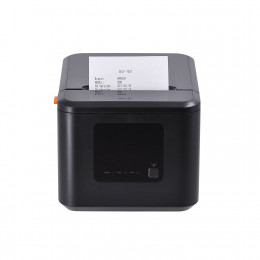
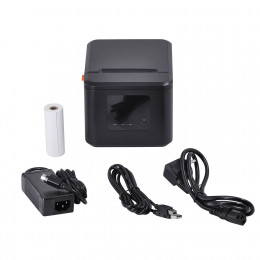
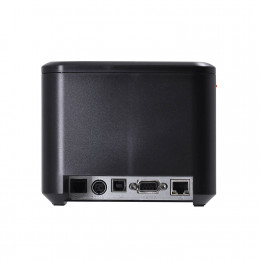
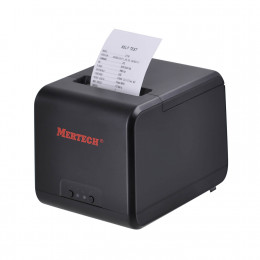
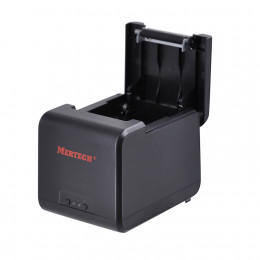
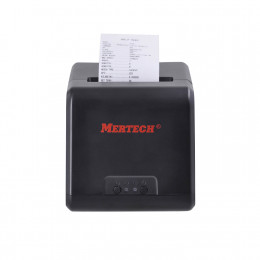
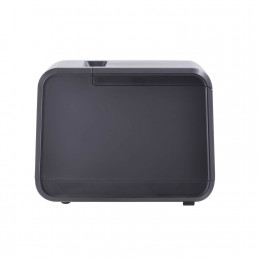
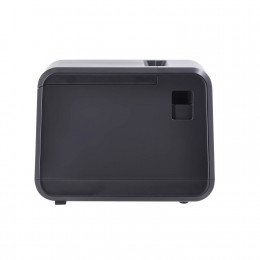
Receipt printers are required to issue purchase documents to customers. Despite the growth of digital receipts, paper receipts remain in demand. Label printers help print price tags and internal labels, simplifying assortment management.
Data Collection Terminals
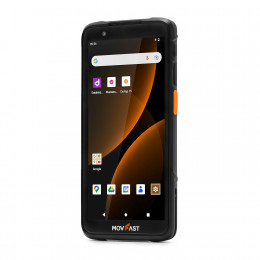
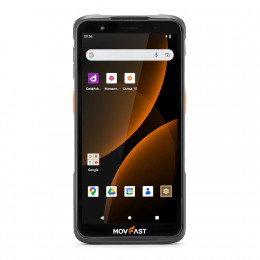
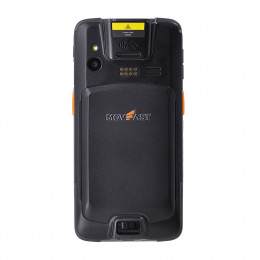
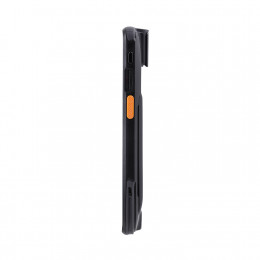
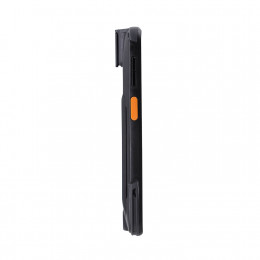
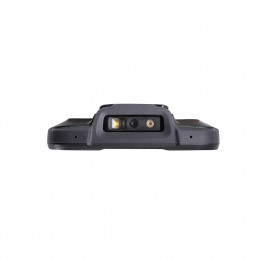
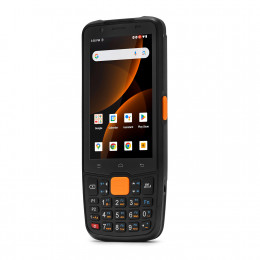
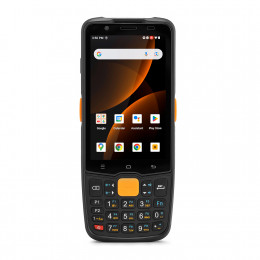
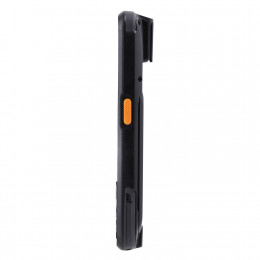
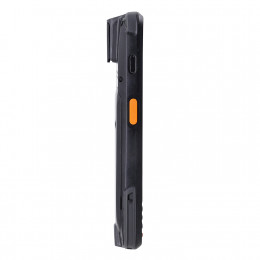
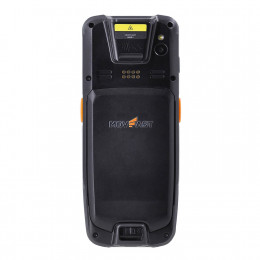
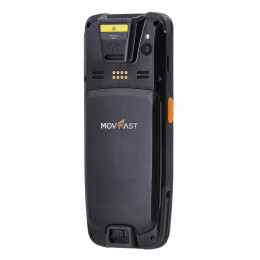
Data collection terminals combine a mobile computer and barcode scanner in one device. They are used for receiving goods, stocktaking, checking stock levels, and write-offs, especially useful for stores with a warehouse area or wide assortment.
Using software and equipment together creates a reliable automation system that scales as the business grows.
Minimum Equipment Set for a Small Store
Automating a small store does not require expensive or complex systems. A basic equipment set is enough to cover core tasks: sales, accounting, and stock control. This approach is ideal for convenience stores and small grocery shops.
POS and Software
The POS system combined with accounting software is the foundation of automation. The POS processes sales, while the software tracks inventory, records transactions, and generates reports.
Barcode Scanner
A barcode scanner speeds up checkout operations and reduces pricing and naming errors. 2D scanners are recommended as a universal solution.
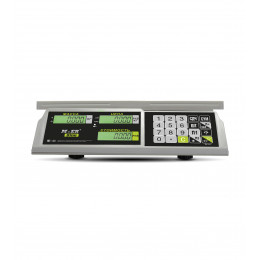
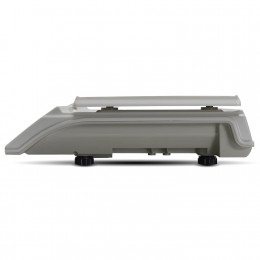
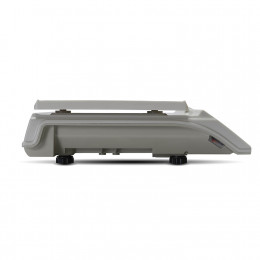
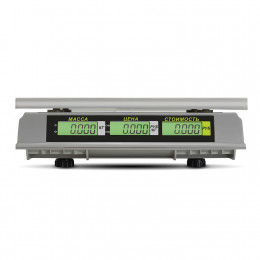
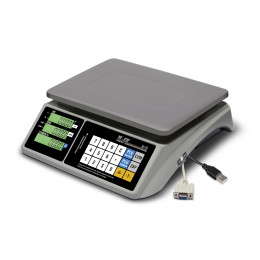
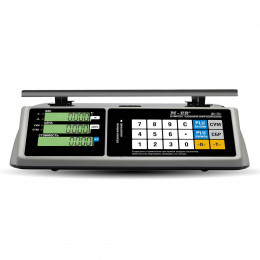
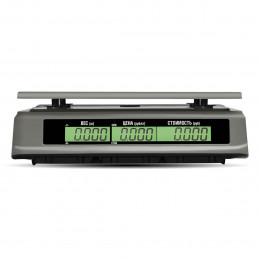
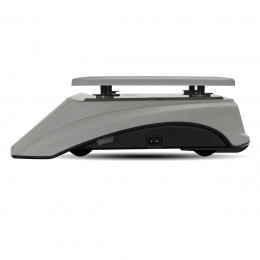
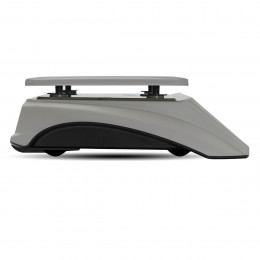
Electronic Scales (for Grocery Stores)
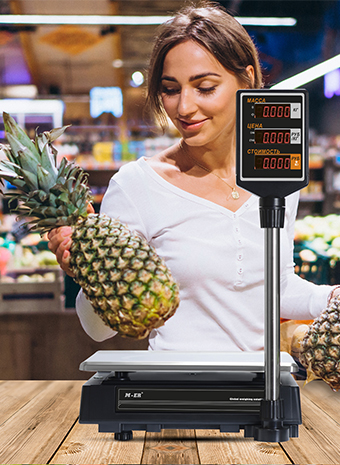
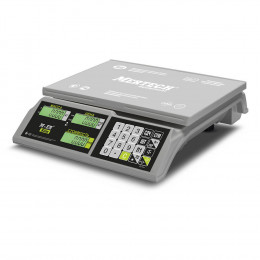
If a store sells goods by weight, electronic scales integrated with the POS system are essential. They automatically transmit weight data and calculate prices, improving speed and accuracy.
Automation Features of Convenience Stores
Convenience stores require speed, simplicity, and minimal investment. Unlike large supermarkets, they operate with limited budgets and staff, so automation solutions must be practical and easy to use.
Limited budgets make basic setups popular: compact POS, simple accounting software, and a universal scanner. This setup automates core processes and allows gradual expansion.
Small retail spaces increase demand for compact devices: smart terminals, tabletop scanners, and compact receipt printers that save space.
Another key requirement is ease of use and fast implementation. Staff often perform multiple roles, so systems must be intuitive and require minimal training.
Proper automation helps convenience stores serve customers faster, control inventory and revenue, and manage the business remotely.
Examples of Tasks Solved by Automation
Faster Customer Service
POS software, barcode scanners, and electronic scales reduce service time per customer, decrease queues, and increase checkout throughput.
Reduced Errors
Automated scanning and data synchronization minimize errors caused by manual entry during sales, receiving, and stocktaking.
Inventory Control
Real-time stock visibility helps prevent shortages, overstocking, and losses due to expired products.
Reporting and Analytics
Automatic reports on revenue, average receipt, sales dynamics, and margins help owners make informed decisions.
Software and Hardware Integration in Practice
The core of modern automation is integration between software and equipment. Sales at the POS immediately update inventory, revenue, and analytics, while receiving goods updates data across the system without manual entry.
Another major advantage is remote store management. Owners can monitor sales, inventory, and cashier performance from anywhere with internet access.
Common Mistakes in Store Automation
Choosing Equipment Without Software Support
Incompatible equipment leads to manual data entry, inventory discrepancies, and reporting errors.
Overly Complex Systems for Small Businesses
Enterprise-level systems can be too expensive and difficult for small stores. Simple, scalable solutions work better.
Lack of Staff Training
Without proper training, even the best systems fail to deliver results.
MERTECH Retail Equipment
MERTECH equipment is designed for automating various retail formats — from small grocery stores to convenience stores with limited space. The lineup includes barcode scanners, data collection terminals, electronic scales, receipt and label printers, and price checkers.
MERTECH devices are compatible with popular software solutions used in Uzbekistan, enabling stable and unified store automation systems.
Turnkey Store Automation: Consultation and Solutions
If you plan to automate a small store or convenience store, specialists can help select the optimal software and equipment based on your business needs and budget.
Leave a request on the website to get professional consultation and implement store automation that simplifies accounting, speeds up service, and increases business efficiency.