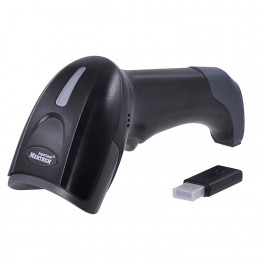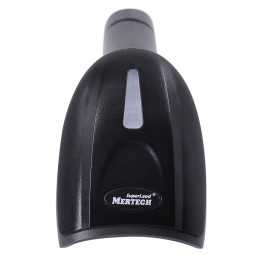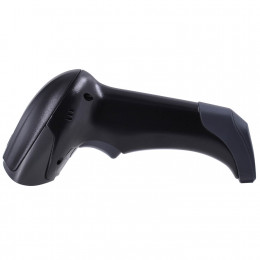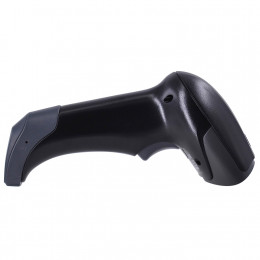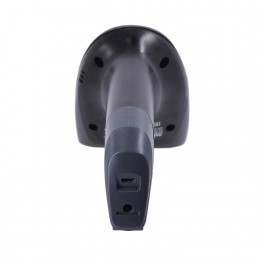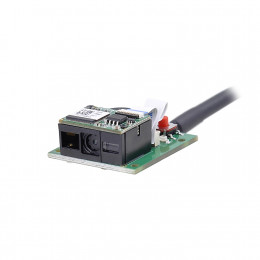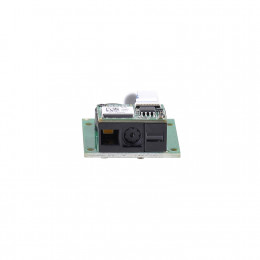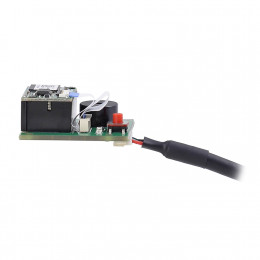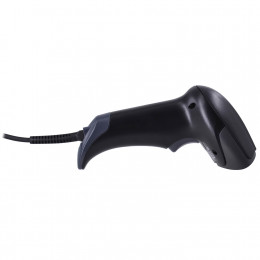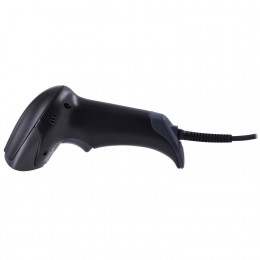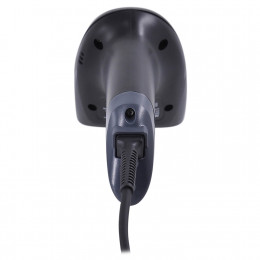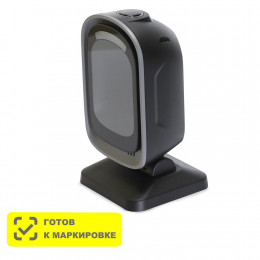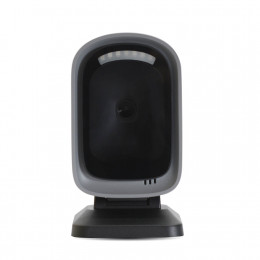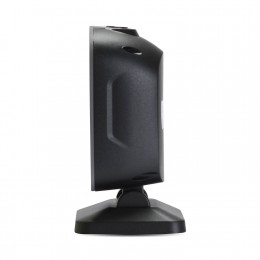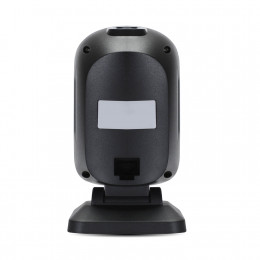
A barcode scanner is an input device that reads a printed code, decodes it and sends the data to a computer, POS system or inventory software. At the checkout, the cashier points the device at a product, it beeps, and the item appears on the receipt. This guide explains how a barcode reader works, which types of barcode scanners exist, the difference between 1D and 2D technology, and how businesses in Uzbekistan choose the right model for retail, inventory management and warehouse operations.
Contents
- What is a barcode scanner
- How does a barcode scanner work
- 1D vs 2D barcodes
- Types of barcode scanners by technology
- Types of barcode scanners by form factor
- Barcode scanner features to compare
- Advantages and disadvantages of barcode scanning
- Wired vs wireless scanners
- Where barcode scanners are used
- Can a smartphone replace a barcode scanner
- How to connect and set up a scanner
- How to choose a barcode scanner for your business
- Frequently asked questions
- Conclusion
What is a barcode scanner
A barcode scanner, also called a barcode reader, converts a pattern of bars or dots into numbers and letters. For the computer, the reader works like a keyboard: the code is entered into the software in a fraction of a second, without typing errors.
A barcode stores product information as a machine-readable symbol. Usually it holds an item number such as EAN-13, an SKU, a serial number or a product marking code. The barcode itself does not contain the product name or price. That data lives in the database of your POS or inventory management system, and the device simply finds the right record.
Typing 13 digits by hand takes 5 to 10 seconds and leads to data entry errors. Barcode scanning takes a fraction of a second and improves accuracy. That is why barcode scanners are used wherever products need fast and accurate tracking: retail stores, warehouses, pharmacies, parcel pickup points and manufacturing.
How does a barcode scanner work
All barcode scanners follow the same basic process. The device lights up the code, captures the reflected light, decodes the pattern and sends the result to a connected device.
A typical barcode reader has four main parts:
- Light source. A laser beam or LED illumination makes the bars and spaces easy to tell apart.
- Sensor. A photodiode, a linear CCD sensor or a camera (CMOS image sensor) captures the reflected light. Black bars absorb light, while white spaces reflect it.
- Decoder. A chip converts the signal into characters and checks the check digit.
- Interface. A USB cable, RS232 port or wireless link sends the data to a computer, cash register or terminal.
After a successful read, the device beeps and flashes an LED. If the code is damaged, there is no beep, and the user tries again from a different angle.
The reader does not know what the product is. It only sends the code number, and the POS software adds the name, price and stock level.
Most scanners work in keyboard emulation mode (USB HID) out of the box. The computer sees them as a standard keyboard, so no driver is needed. Some applications require a virtual COM port mode instead.
1D vs 2D barcodes
Before choosing a device, check which codes it will need to read. Barcodes fall into two groups.
1D (linear) barcodes are the familiar black lines of different widths. Data is stored in one row, so a code holds about 10 to 20 characters. Examples include EAN-13 and EAN-8 on retail products, UPC, Code 128 and Code 39 in logistics, and ITF-14 on shipping cartons.
2D barcodes are squares of dots or modules. Data is stored both horizontally and vertically, so a single code can hold hundreds or thousands of characters. Examples include QR codes, Data Matrix, PDF417 and Aztec.
| Feature | 1D barcode | 2D barcode |
|---|---|---|
| Looks like | Vertical lines | Square of dots or modules |
| Data capacity | Up to 20–30 characters | Up to several thousand characters |
| Examples | EAN-13, UPC, Code 128, ITF-14 | QR code, Data Matrix, PDF417 |
| Damage tolerance | Low | High, with error correction |
| Typical use | Retail products, cartons | Product marking, QR payments, tickets, documents |
| Which reader decodes it | 1D or 2D | 2D only |
The first three digits of an EAN-13 code are the GS1 prefix. Codes issued in Uzbekistan start with 478. The prefix shows where the code owner is registered, not where the product was made.
A 2D scanner reads both 1D and 2D barcodes. A 1D scanner cannot read QR codes or Data Matrix, so product marking and QR payments require a 2D model.
Types of barcode scanners by technology
The scanning technology defines which codes a device can read, at what distance and how fast.
Laser scanners
A laser barcode reader uses a red laser beam that a mirror turns into a scan line. A photodiode detects the reflected light. Laser models read 1D barcodes well, including from a distance. They cannot read 2D codes and usually fail on phone screens.
Linear imagers (CCD)
A CCD reader uses LED light and a row of light sensors to capture one line of the code. These models are simple and affordable but only read 1D codes at short range.
2D area imagers
An area imager takes a picture of the code with a digital camera sensor. Software then finds and decodes the barcode in the image. This technology reads any 1D or 2D code in any orientation, from paper, labels or a smartphone screen.
2D imagers have largely replaced laser scanners in retail. They cost about the same but read every type of code, including QR and Data Matrix.
All current MERTECH retail scanners are 2D imagers. See the full range in the 2D scanners category.
Types of barcode scanners by form factor
The housing defines how staff work with the device. Choose the form factor based on the workplace and the number of scans per day.
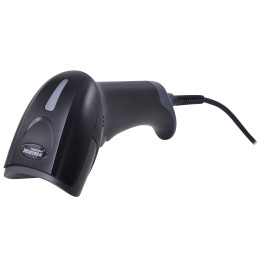
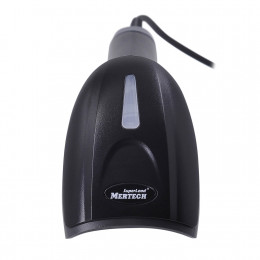
- Handheld scanners. The most common type. The user holds the device and presses the trigger, or places it on a stand for hands-free reading. Example: MERTECH 2310 P2D SUPERLEAD. See all handheld scanners.
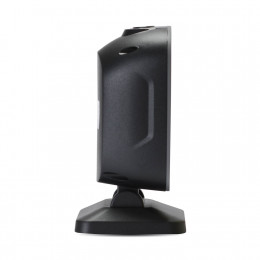
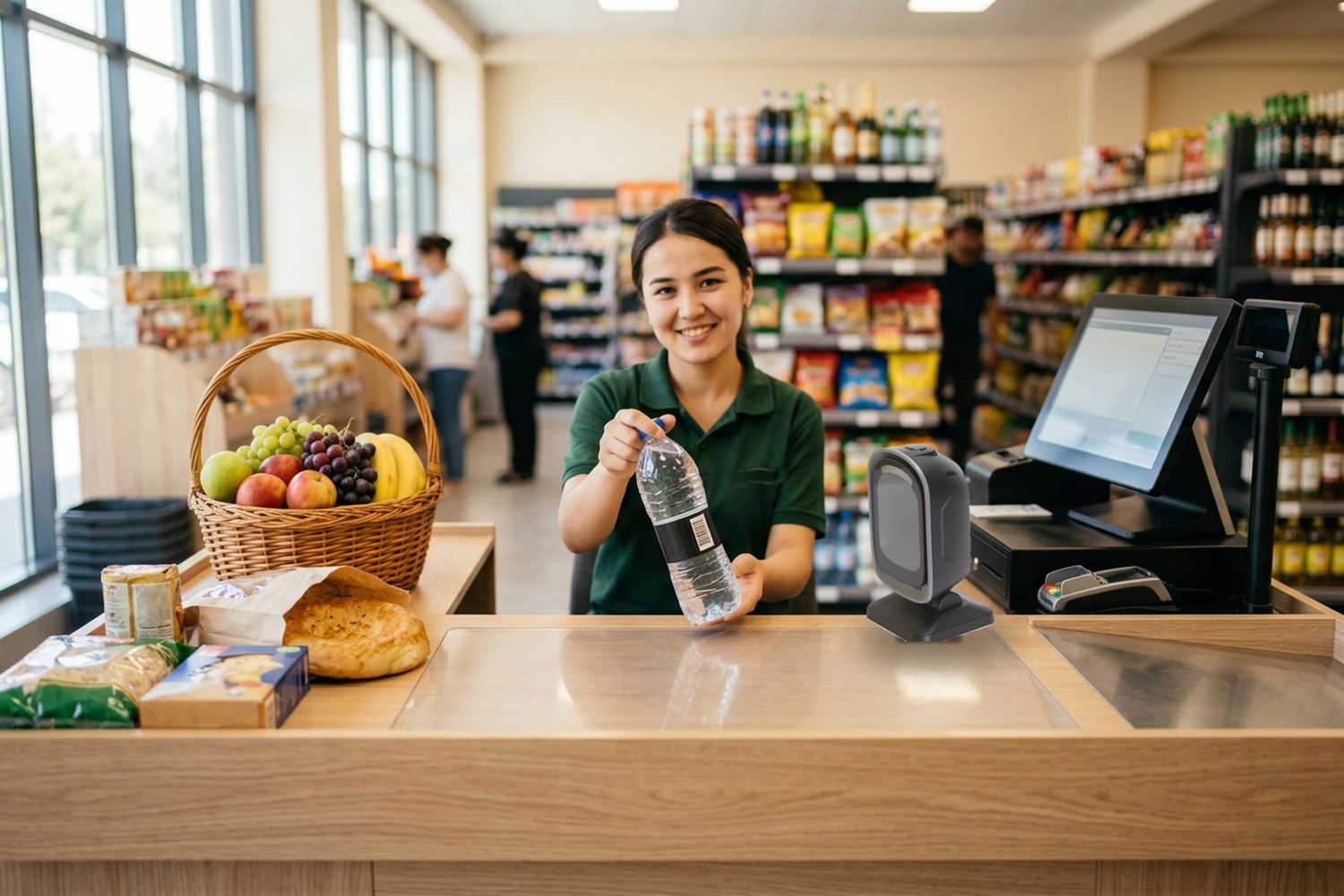
- Presentation (fixed) scanners. They sit on the checkout counter and read codes as items pass the scan window. The cashier keeps both hands free, which speeds up busy lines. Example: MERTECH 8500 Mirror. See all stationary scanners.
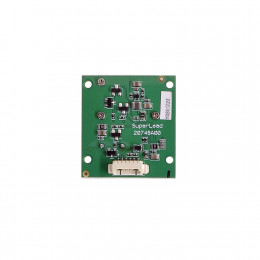
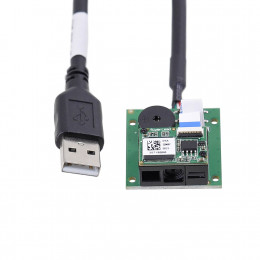
- Embedded scan engines. Compact modules built into self-service kiosks, payment terminals, turnstiles and vending machines. Example: MERTECH T5930.
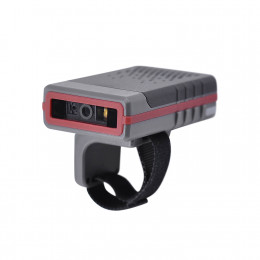
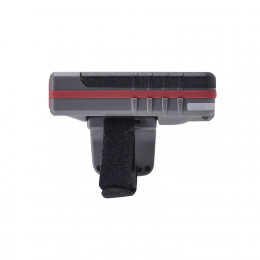
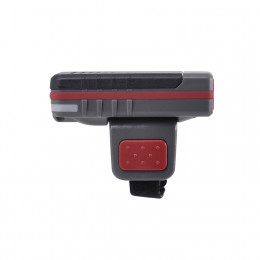
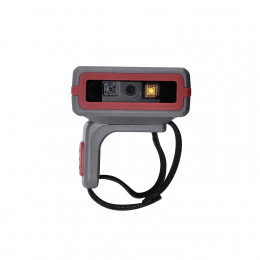
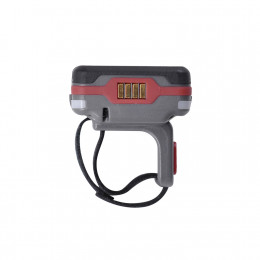
- Wearable ring scanners. Worn on a finger, so both hands stay free for picking orders and handling boxes. Example: MERTECH X21.
- Mobile computers. A rugged handheld computer with a built-in scan engine, screen and apps, used for inventory and warehouse management. Many models also support Wi-Fi, 4G and RFID.
Barcode scanner features to compare
Product pages list dozens of specifications. These are the features that actually affect daily work.
| Feature | What it means | When it matters |
|---|---|---|
| Scan engine | Laser, linear CCD or 2D area imager with a camera | Defines whether the device reads only 1D barcodes or also QR codes and Data Matrix |
| Scanning speed | How many scans or images per second the engine captures | Busy point of sale checkouts and goods receiving |
| Reading range | The distance at which a label can be decoded | Warehouses with labels on high racks |
| Connectivity | USB, RS232, Bluetooth, 2.4 GHz radio, Wi-Fi on mobile computers | Compatibility with the desktop PC, POS system and inventory software |
| Battery capacity | How many scans a cordless model makes on one charge | Full shifts on the sales floor or in the warehouse |
| Memory | Stores codes when the connection is lost (batch mode) | Inventory counts far from the computer |
| Durability and IP rating | Drop resistance and protection against dust and water | Industrial environments, cold storage, outdoor yards |
Industrial barcode readers survive repeated drops of 1.5 to 2 meters onto concrete and work in dust and freezing temperatures. Healthcare models have housings that can be wiped with disinfectants, which matters for medication and lab sample identification. For a typical retail store, this level of durability is not required, but in industrial and supply chain operations it is a sound investment.
For a store, the key features are a 2D scan engine, USB connectivity and a comfortable housing. For a warehouse, add cordless connectivity, battery capacity, memory and a rugged design.
Advantages and disadvantages of barcode scanning
Advantages:
- Accuracy. Manual data entry makes roughly one error per 300 characters typed. Barcode scanning reduces errors to a minimum.
- Speed and efficiency. Checkout lines move faster, and inventory counts take hours instead of days.
- Real-time data. Stock levels in the software update as soon as goods are sold or received.
- Low cost. Barcode labels are printed on standard label printers, and an entry-level reader is affordable for any business.
- Easy training. New staff learn to scan in a few minutes.
Disadvantages:
- A barcode must be in the line of sight. Unlike RFID tags, it cannot be read through a box.
- Damaged, wrinkled or poorly printed labels may not decode.
- A 1D barcode holds very little data and has no error correction.
Even with these limits, barcodes remain the most widely used identification technology across industries: retail, food and beverage, pharmaceutical, transportation, ticketing, education and government services.
Wired vs wireless scanners
Wired scanners connect via USB or RS232. They never need charging, cost less and suit a checkout where products are brought to the workstation.
Wireless scanners send data via Bluetooth or a 2.4 GHz USB receiver (dongle). Many models come with a charging and communication cradle. They are ideal for warehouses, hardware stores and bulky items. Example: MERTECH CL-2310. See all wireless scanners.
If every product goes through the checkout, a wired model is enough. If staff scan heavy boxes or items on shelves, choose a wireless model with a cradle.
Where barcode scanners are used
Barcode scanning technology is used far beyond the checkout:
- retail — sales, receiving goods, price changes and returns;
- pharmacies — tracking medicines and checking marking codes;
- warehouses and logistics — receiving, put-away, picking and shipping;
- parcel pickup points for Uzum Market, Wildberries and Ozon;
- manufacturing — tracking raw materials, parts and finished goods;
- restaurants and cafes — stock control and QR code payments;
- healthcare, libraries and offices — patient wristbands, books, files and asset tracking.
Uzbekistan runs the mandatory digital marking system ASL BELGISI. Marking codes are printed as Data Matrix, so businesses that sell marked goods need a 2D scanner. Learn more in our article about the ASL BELGISI system and see scanners for product marking.
Can a smartphone replace a barcode scanner
A smartphone camera can read barcodes with a mobile app or an online barcode reader. This is enough for a shopper who wants to look up a product. For a business, a phone has clear limits: it reads codes more slowly, needs good lighting, drains its battery quickly and does not send data to the POS software without extra setup. If your checkout handles dozens of sales a day, a dedicated barcode reader pays off through speed and fewer errors.
How to connect and set up a scanner
Connecting a USB barcode reader takes about a minute:
- Plug the device into a USB port on the computer or POS terminal. For a wireless model, insert the USB receiver or pair it via Bluetooth.
- Wait for the beep that shows the device is ready.
- Open a text editor and scan any barcode. The digits should appear on the screen.
- If needed, configure it with the setup barcodes from the manual: Enter suffix, beep volume, auto-sense mode or COM port mode.
If strange characters appear instead of digits, check the keyboard layout. In keyboard emulation mode, the device types characters like a user, and the wrong layout distorts the data.
How to choose a barcode scanner for your business
Answer five questions before you buy:
- Which codes do you need to read? For EAN-13 only, any model works. For marking codes, QR payments or codes on screens, choose 2D.
- Where will it work? At the checkout, a handheld scanner with a stand or a presentation scanner. In a warehouse, a wireless scanner or a mobile computer.
- How busy is the checkout? For heavy traffic, a presentation scanner speeds up service.
- How will you connect it? USB fits almost every POS and computer. RS232 is for older equipment.
- What are the working conditions? Warehouses, cold rooms and dusty areas need a rugged, sealed housing.
For a model-by-model comparison, read the top 5 barcode scanners in Uzbekistan for 2026 and how to choose a barcode scanner for retail.
Frequently asked questions
What is the difference between a barcode reader and a barcode scanner?
In everyday use, there is no difference. Both terms describe a device that captures and decodes barcodes. Some manufacturers use "reader" for fixed or embedded devices and "scanner" for handheld ones.
Can a barcode scanner read QR codes from a phone screen?
Yes, if it is a 2D area imager. Laser and CCD scanners usually cannot read codes from screens.
Does a barcode scanner need a driver?
Not in keyboard emulation mode: the computer sees the device as a keyboard. A driver is only needed for virtual COM port mode.
Which scanner do I need for ASL BELGISI marking in Uzbekistan?
You need a 2D scanner, because marking codes are printed in Data Matrix format.
Conclusion
A barcode scanner captures a code, decodes it and sends the number to your software. For a modern store in Uzbekistan, a 2D scanner is the safe choice: it reads standard barcodes, QR payment codes and ASL BELGISI marking codes.
Choose the form factor for the workplace: a handheld scanner for small stores, a presentation scanner for busy checkouts and a wireless scanner for the warehouse. Browse MERTECH barcode scanners with delivery across Uzbekistan in our barcode scanner catalog.