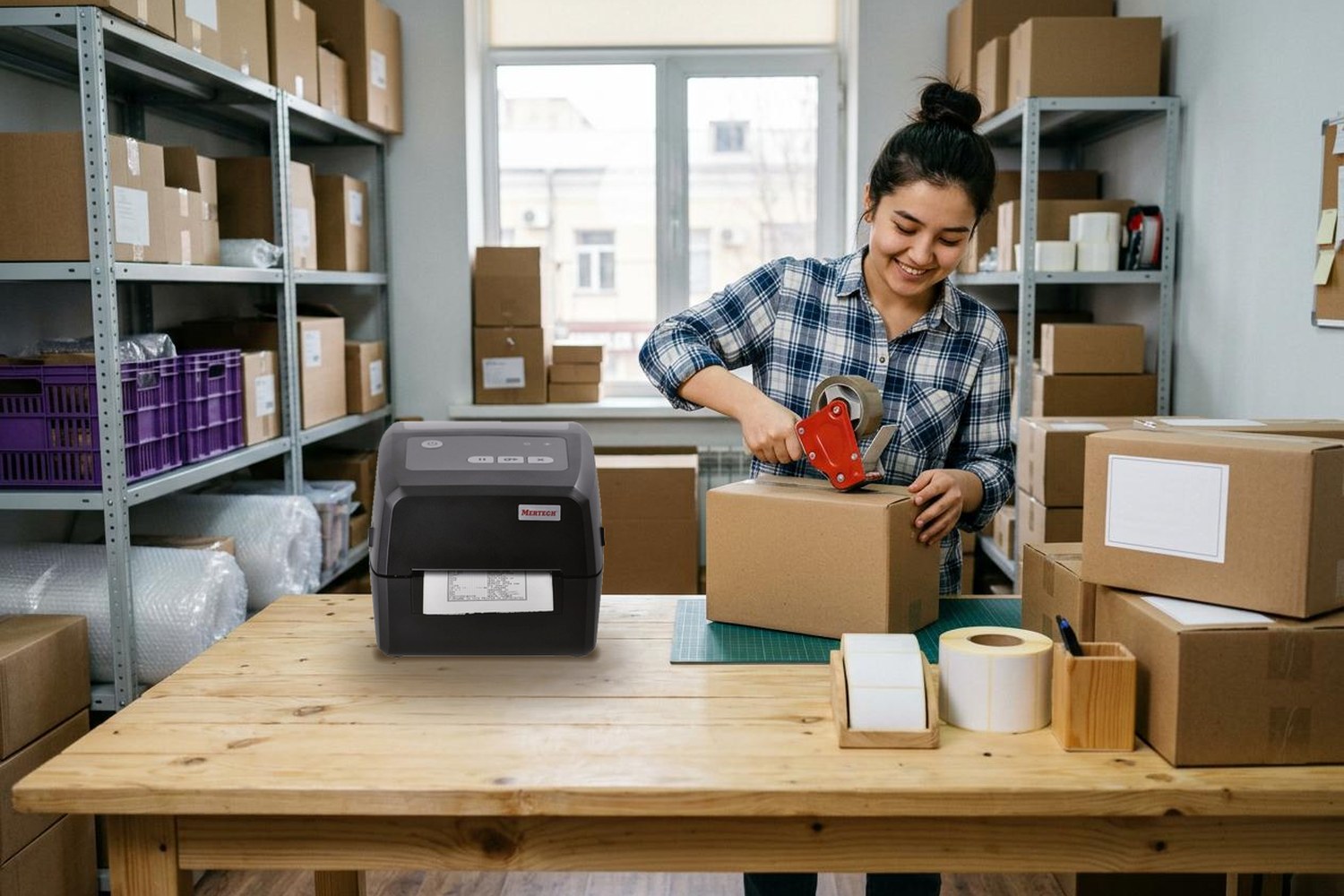
To sell on Uzum Market, you need a business registered in Uzbekistan: an LLC, an individual entrepreneur or a self-employed status. The process takes three main steps: register in the Uzum Sellers portal, add Uzum to your list of commission agents in the tax cabinet, then create your store and product listings. This guide covers each step, the commission and logistics fees, fulfillment models, label requirements and the equipment you need to start. Figures are current as of October 2026.
Contents
- Why sell on Uzum Market
- Requirements: who can become a seller
- How to register on Uzum Market
- FBO, FBS, DBS or EDBS: which model to choose
- Uzum Market commission, logistics fees and payouts
- How to create a product listing
- How to prepare products and labels for the warehouse
- What to sell on Uzum Market
- Equipment every Uzum Market seller needs
- Marketing and advertising on Uzum Market
- Common mistakes new sellers make
- Frequently asked questions
- Conclusion
Why sell on Uzum Market
Uzum Market is the largest local marketplace in Uzbekistan and part of the Uzum ecosystem, which also includes banking and installment payments. According to Uzum, the platform has about 10 million registered customers, delivers to 200 cities and runs more than 112,000 m² of warehouse space.
Key benefits for your business:
- access to a large audience without building your own online store;
- next-day delivery to pickup points after purchase;
- commission and logistics fees are charged only on products you actually sell;
- customers can pay in installments, which helps sales of more expensive goods;
- you can manage your store from the website or the Uzum Sellers mobile app;
- free seller courses in Uzum Academy.
There are drawbacks too. Competition in popular product categories is growing fast. Rates and rules change often, so you need to track updates. In peak seasons, the nearest free warehouse time slot may be weeks away.
Requirements: who can become a seller
Uzum Market works with legal entities, individual entrepreneurs (YaTT) and self-employed persons registered in the Republic of Uzbekistan. Foreign-owned companies can sell too, but they first need to register a company or an individual entrepreneur in Uzbekistan and open a local bank account.
Documents depend on your business type:
| Business type | Documents to upload |
|---|---|
| Individual entrepreneur | Registration certificate and passport |
| LLC or other legal entity | Registration certificate or notice, director appointment order or decision, passport |
| Self-employed | Self-employed registration certificate and passport |
Some products are banned. You cannot sell alcohol, tobacco and vapes, medicines and medical devices, fireworks, weapons, counterfeit goods and replicas, or used and discounted goods. Live animals can be sold only under the DBS model. Shipping a banned product to the warehouse carries a fine of 5,000,000 UZS per case under the seller agreement.
Important: some categories need certificates, such as dietary supplements, medical equipment, jewelry and frozen food. Upload them as PNG or JPG images; PDF files are not accepted. Review takes up to three business days.
How to register on Uzum Market
The registration process usually takes from a few days to a week. Most of that time goes into document review.
Step 1. Create an account in Uzum Sellers
Go to seller.uzum.uz and click "Sign up". Enter your phone number and email, then choose the cabinet language: Uzbek or Russian.
In the "Personal data" section, select your legal form and upload the documents. Choose the form carefully. If you pick the wrong one, you will have to delete the cabinet and register again. By registering, you accept the public offer agreement.
Step 2. Add Uzum as a commission agent
Uzum Market sells your products under a commission agreement. That is why you need to add Uzum to the list of commission agents in your taxpayer cabinet on the electronic tax services portal my3.soliq.uz. You log in with your digital signature.
The contract number and date are shown in your Uzum Sellers cabinet. Without this step, your product listings may be blocked.
Step 3. Wait for verification
Send your account email and a screenshot confirming the commission agent setup to Uzum business support on Telegram. Uzum checks your data and activates the account, usually within two to four days.
Step 4. Set up your store
The "Stores" section appears once your personal data is complete. Add your store name, address and brand description in "Main settings", then upload an avatar and cover in "Design".
The store name must be unique and must not contain contacts or slogans. The short store link (uzum.uz/your-store) is set once and cannot be changed later. Since June 1, 2026, sellers cannot open several stores with the same or similar products.
Step 5. Connect electronic document exchange
The last step is electronic document exchange with a digital signature. Through it, you receive the commission agent report, invoices and acts. According to Uzum, it takes about 14 days on average from registration to your first revenue.
FBO, FBS, DBS or EDBS: which model to choose
The fulfillment model defines who stores the products and who delivers them. FBO usually suits fast-moving goods, while FBS is better for manufacturers and retailers with their own warehouse.
| Model | Who stores products | Who delivers | Best for |
|---|---|---|---|
| FBO (Fulfillment by Operator) | Uzum Market warehouse | Uzum Market | Products with stable demand |
| FBS (Fulfillment by Seller) | Seller | Seller brings orders to an Uzum warehouse or drop-off point, then Uzum | Seasonal, rare or slow-moving goods |
| DBS (Delivered by Seller) | Seller | Seller or a third-party courier | Bulky and non-standard goods |
| EDBS | — | Digital delivery | Codes, certificates, digital access |
Commission and logistics fees are the same for FBO and FBS. Under DBS, there is no logistics fee, only a sales commission. Under EDBS, Uzum charges a percentage for information and advertising services instead of a commission.
Under FBS, you must confirm and start packing an order within 16 hours. If you cancel an order more than 24 hours after it was placed, the fine is 9% of the order value (from 10,000 to 360,000 UZS). If your FBS rating drops below 80%, Uzum disables the model for three days.
Uzum Market commission, logistics fees and payouts
Uzum Market deducts the commission and logistics fee only from the revenue of sold products. There is no fee to register or to list products.
Commission
The Uzum Market commission depends on the product category and is calculated automatically. It covers order handling, payment processing, delivery to the customer's city, pickup or courier delivery and returns. Rates start at about 3% for some electronics, are around 10% for large home appliances and can exceed 20% for clothing. Rates change over time, so always check the current table in your seller cabinet before setting your pricing.
Logistics fee
Since June 1, 2026, the logistics fee depends on package volume in liters (length × width × height in mm / 1,000,000, rounded up):
- up to 1 liter — 5,250 UZS;
- each extra liter — 250 UZS;
- maximum — 50,000 UZS;
- no dimensions in the listing — 50,000 UZS.
The fee is refunded if the customer returns the product.
Payouts
Uzum transfers your revenue to your bank account on a schedule you choose:
| Payout schedule | Dates | Withdrawal fee |
|---|---|---|
| Monthly | 7th | 0% |
| Every two weeks (default) | 7th and 21st | 0% |
| Weekly | 7th, 14th, 21st, 28th | 1% |
| Every business day | daily | 1.5% |
| Urgent withdrawal | by the end of the next business day | 2.5% |
Example. A product costs 300,000 UZS and ships in a 200 × 150 × 100 mm box, which is 3 liters. The logistics fee is 5,250 + 2 × 250 = 5,750 UZS. With a sample commission of 15%, Uzum deducts 45,000 UZS, and you receive 249,250 UZS before product cost, packaging and taxes.
How to create a product listing
Your product listing drives both search ranking and the customer's decision. A complete, clear listing sells better than a cheaper one with poor content.
Write the product title in two languages: Uzbek (Latin script) and Russian. Use the formula: product type + brand + model + key feature, for example "MERTECH LP58 EVA thermal label printer, USB".
Required fields include brand, category, VAT rate, specifications, SKU, package dimensions, description and photos. Words like "sale", "new", "copy", "original" or "cheap", external links and emojis are not allowed. Since 2026, Uzum follows a "one product, one listing" rule: colors and sizes are added as variants inside one listing.
How to prepare products and labels for the warehouse
Mistakes during delivery are the most common reason for fines. Uzum charges 2,500 UZS for each problem unit at acceptance: a shortage, surplus, mixed-up product or damaged barcode.
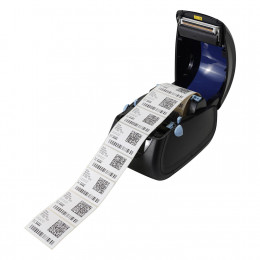
If your product has a readable factory EAN-13 barcode, add it to the listing and no extra label is needed. Otherwise, print Uzum QR codes. In the "Labels" section, select the products, set the number of stickers and the label size, then click "Print". You can also print them with the "QR codes" button inside an existing shipment.
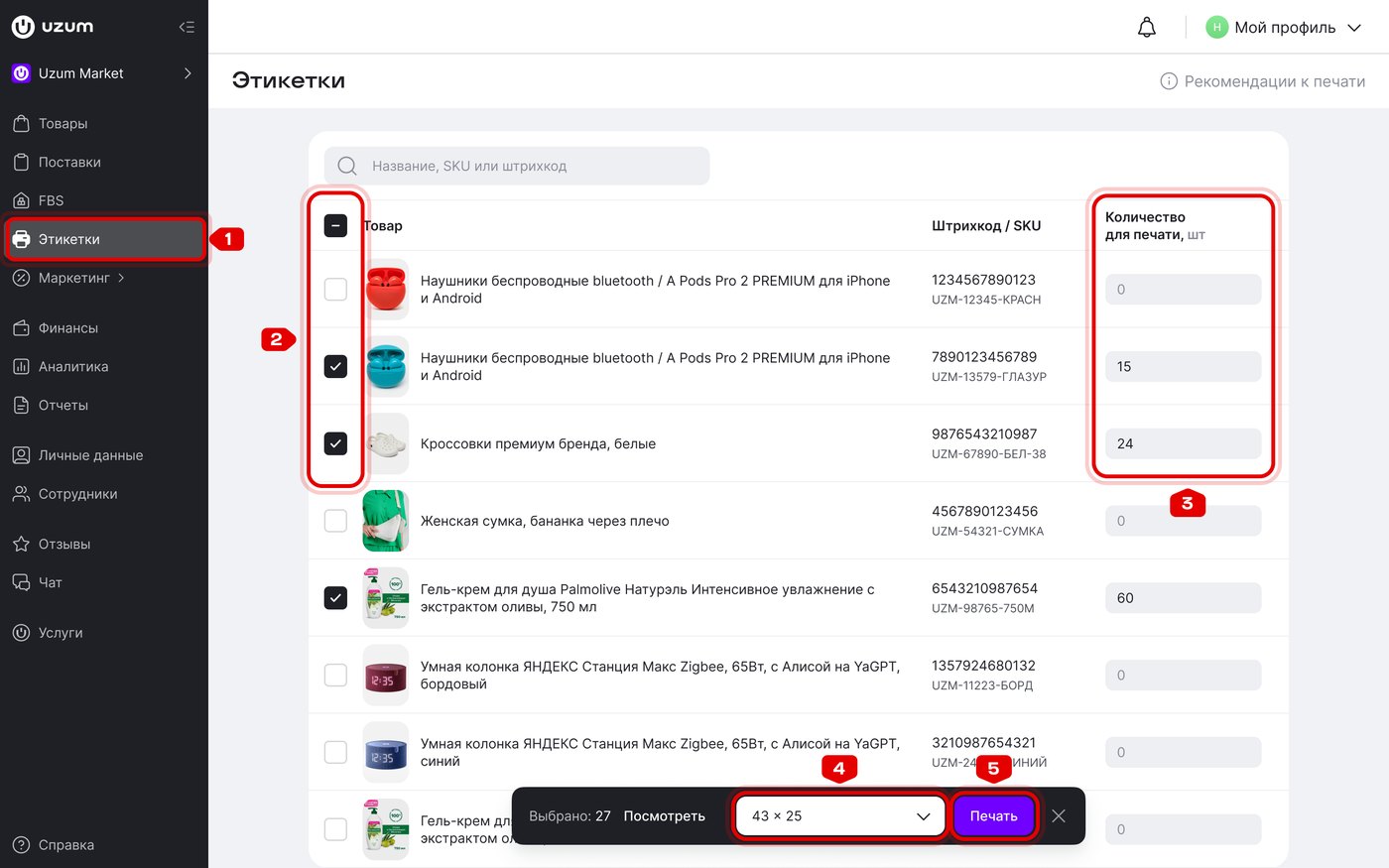
The "Labels" section: products, quantity and sticker size. Screenshot: Uzum Market seller manual (Russian interface)
Uzum Market label requirements:
| Parameter | Requirement |
|---|---|
| Material | Thermo ECO or Thermo TOP thermal labels; semi-gloss with ribbon for long storage |
| Size | 58 × 40 or 58 × 60 mm; 70 × 50 and 100 × 60 mm for large packages; at least 40 × 30 mm |
| Print resolution | At least 203 dpi, 300 dpi is optimal |
| Readability | A scanner reads the code on the first try from 10–30 cm |
| Quiet zone | At least 2 mm around the code |
Pack each product separately. The main fulfillment center in Tashkent is at 2/2 Khanabad Street, Sergeli district, open daily from 06:00 to 00:00.
How to create a shipment to the Uzum warehouse
A shipment is one box or pallet that you deliver to an Uzum warehouse. It can hold up to 100 SKUs. Small and large items go in separate shipments.
Step 1. Open "Shipments", click "Create shipment" and choose "Manually". If you sell items of different sizes, pick the size group.
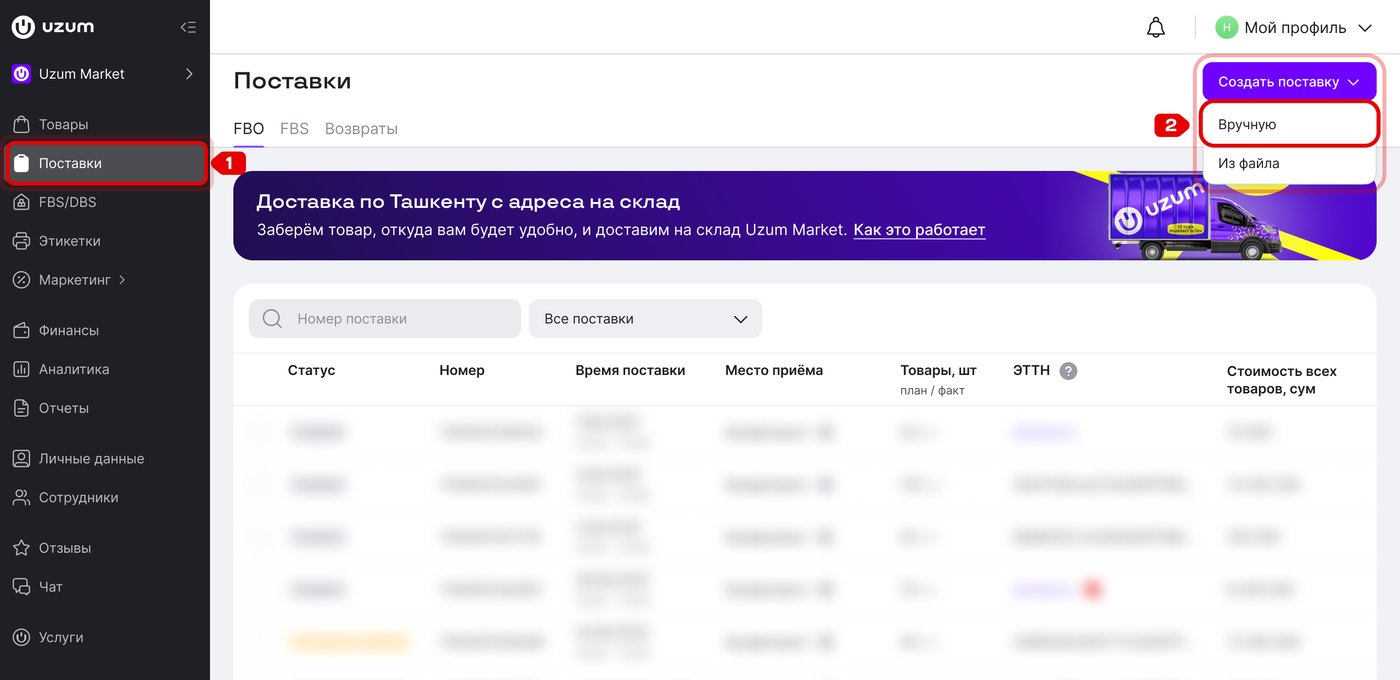
Shipments → Create shipment → Manually. Screenshot: Uzum Market seller manual (Russian interface)
Step 2. Find the products by search or tick them in the list. Enter the cost price and the quantity to ship, then click "Next". You cannot change the cost price after the shipment is created.
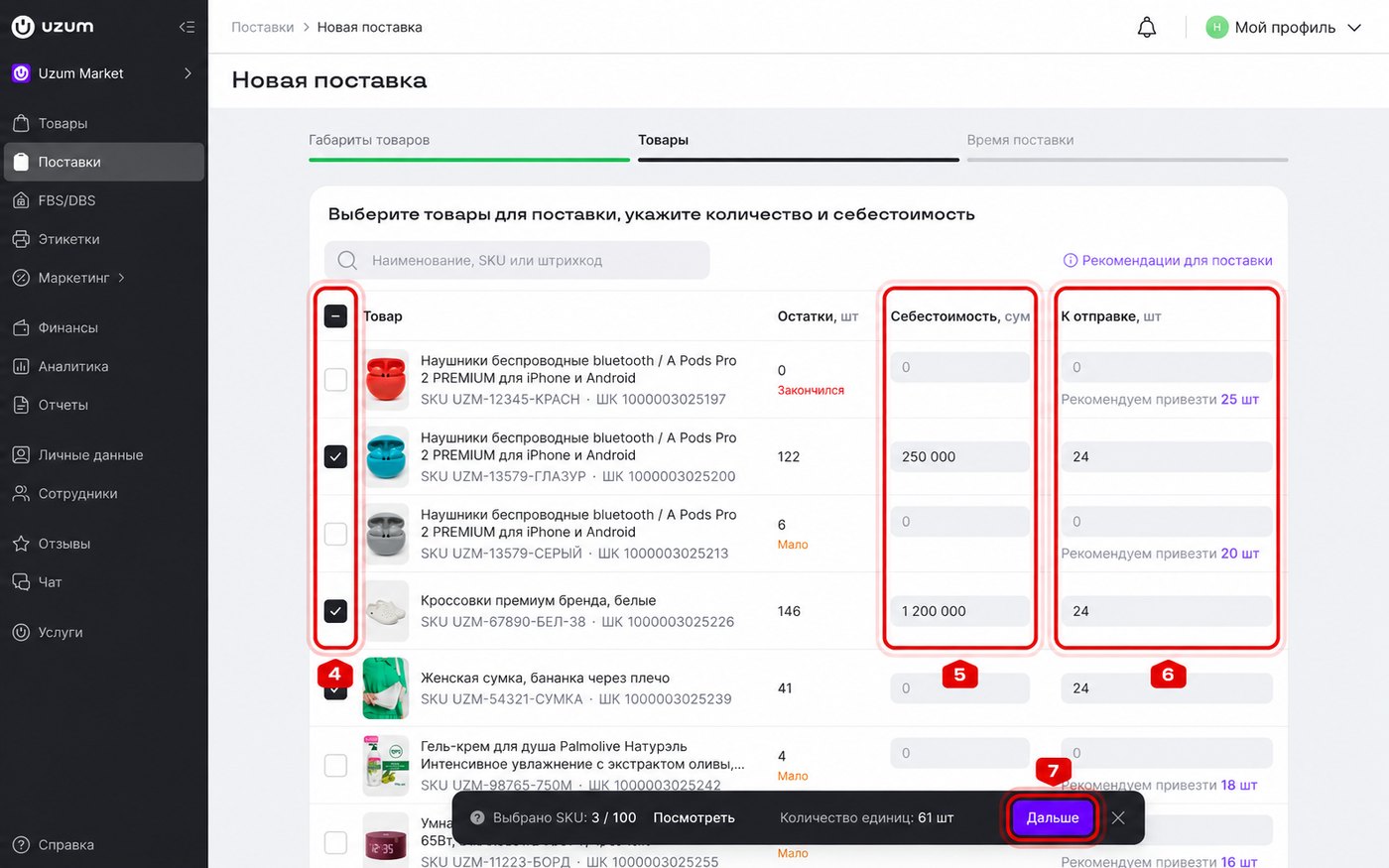
Products, cost price and units to ship. Screenshot: Uzum Market seller manual (Russian interface)
Step 3. Choose a date and a free time slot, then click "Done". You can set the time later, but the warehouse will not accept a shipment without a confirmed slot.
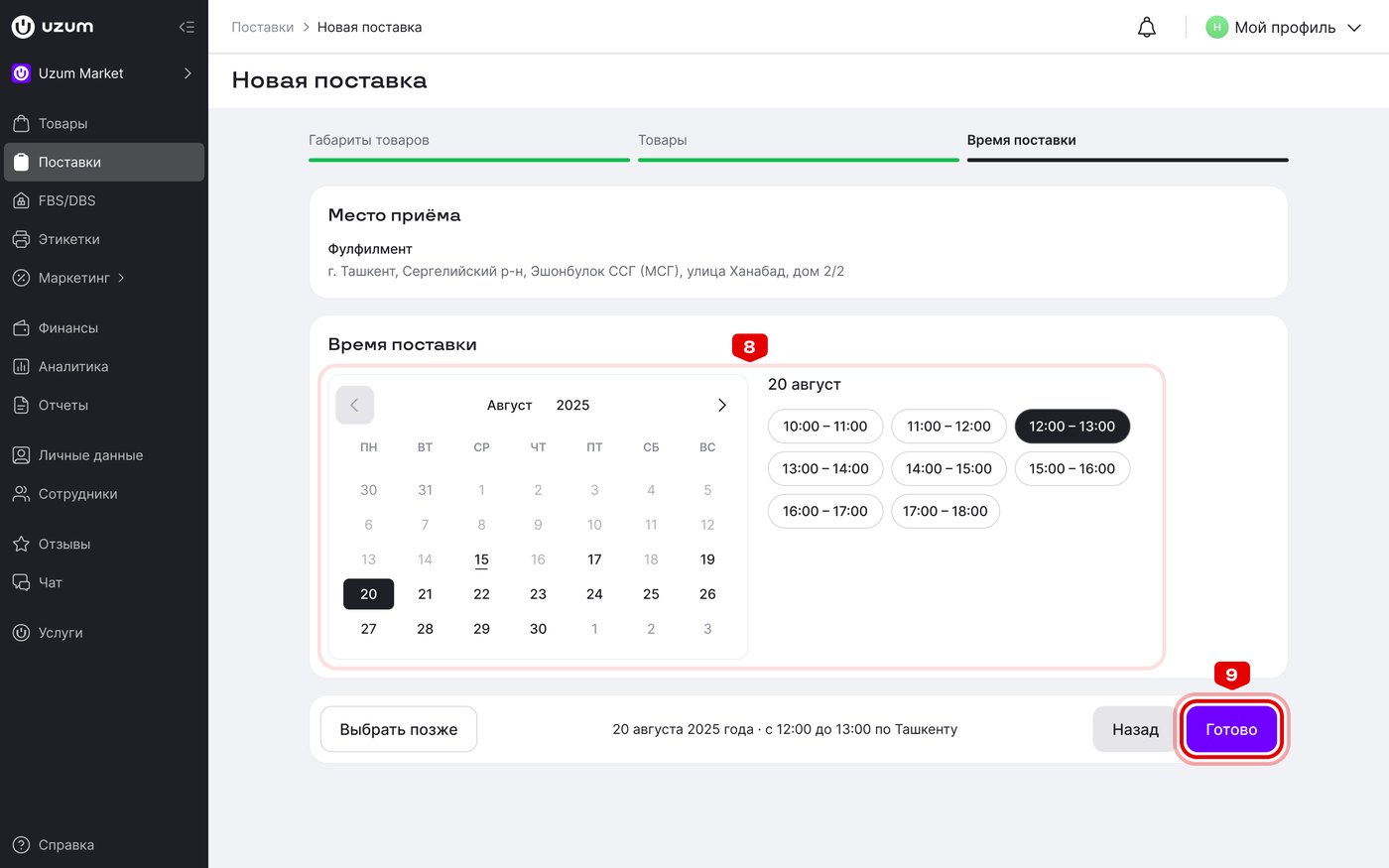
Choosing the delivery date and time. Screenshot: Uzum Market seller manual (Russian interface)
Step 4. Open the shipment and print the shipping act in two copies: put one inside the box and attach the other on top. The same page has a "QR codes" button for labels.
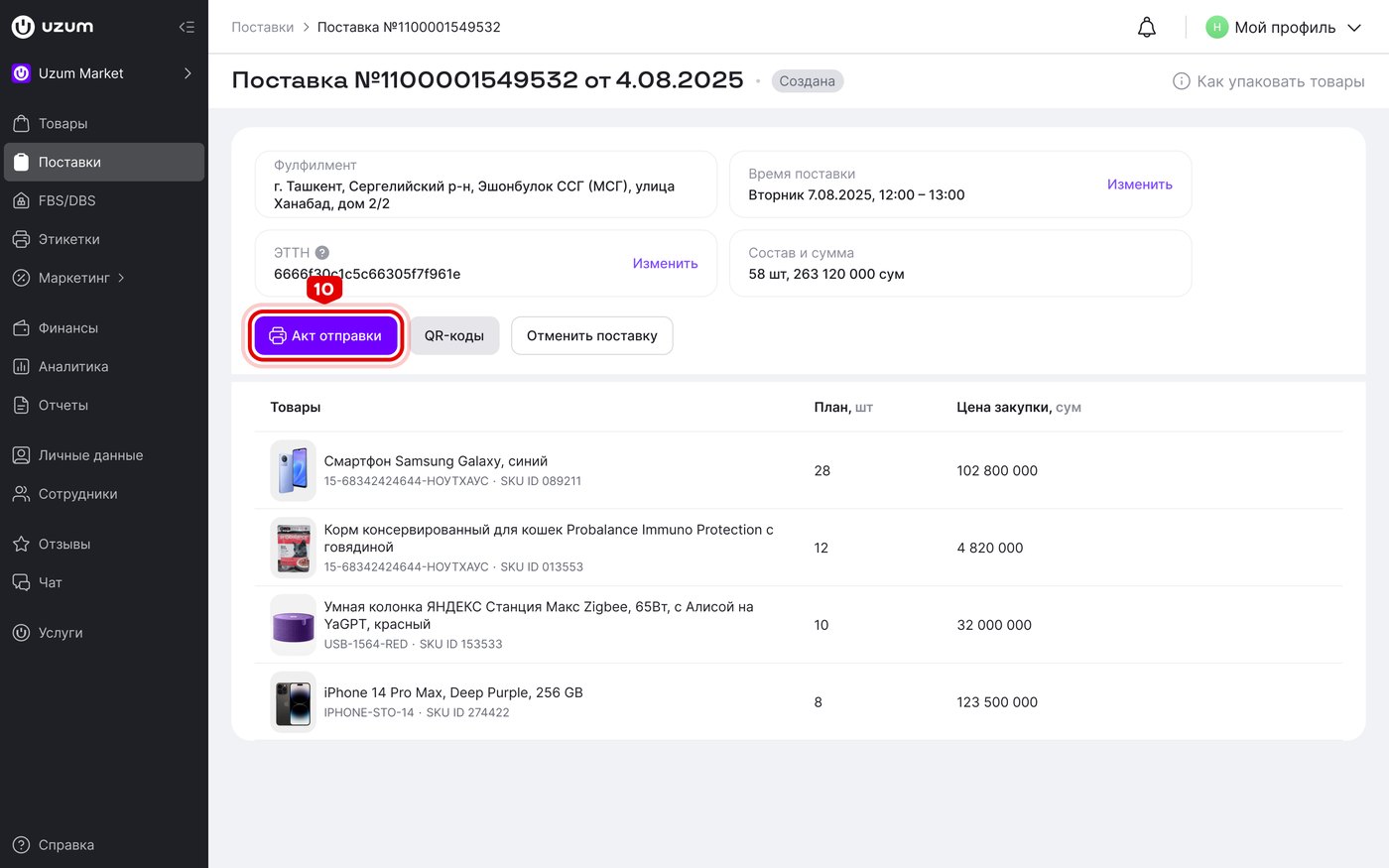
Shipment page with the shipping act and QR code buttons. Screenshot: Uzum Market seller manual (Russian interface)
What to sell on Uzum Market
Choose products based on demand, competition and profit, not personal taste. Use the built-in analytics in your cabinet and external marketplace analytics services to check what buyers in Uzbekistan search for and at what price competitors sell.
According to analytics services, the product categories with high demand on Uzum Market in 2026 include:
- electronics and smartphones;
- clothing and shoes;
- beauty and cosmetics;
- home appliances;
- home goods;
- sports and outdoor products.
The best potential is often in subcategories where competition is lower. If you import goods, add customs duties and certificates to your costs, as some categories, such as children's products and cosmetics, need extra documents. Start with a small first batch to test demand and avoid paid storage for unsold inventory.
Equipment every Uzum Market seller needs
For FBO, you only print labels for shipments. Under FBS, you print a sticker for every order, so your own printer quickly pays off.
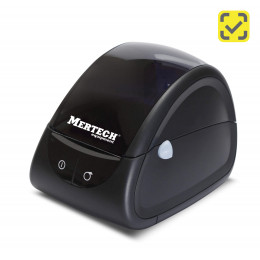
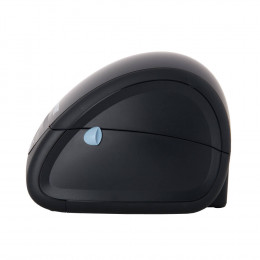
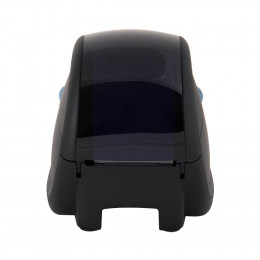
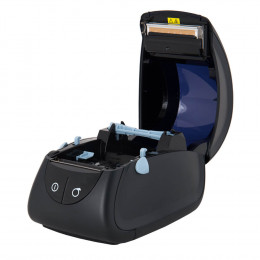
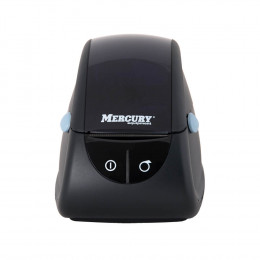
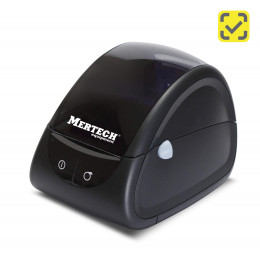
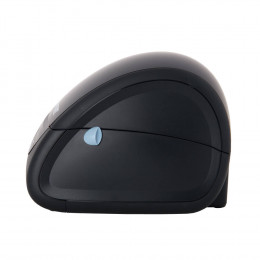
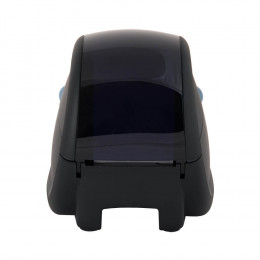
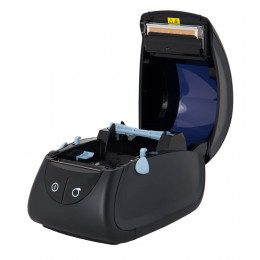
- Thermal label printer. Prints QR codes and barcodes for shipments and order stickers. The compact MERTECH LP58 EVA handles 58 × 40 and 58 × 60 mm labels, and the LP80 EVA suits wider ones. Both print at 203 dpi and are rated for up to 7,000 labels a day. See all models in the label printer catalog.
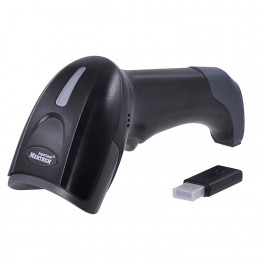
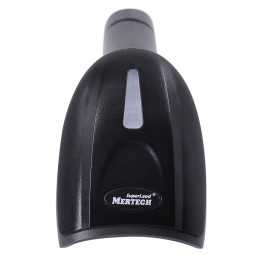
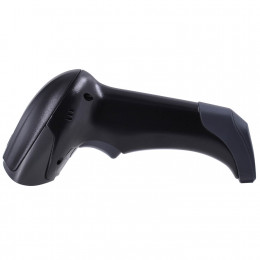
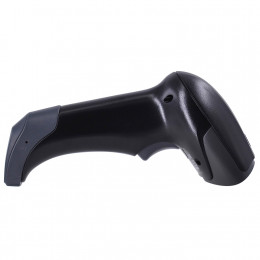
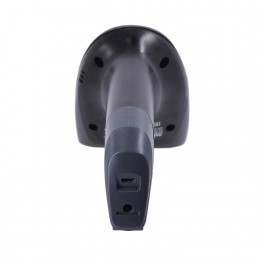
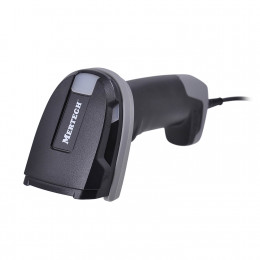
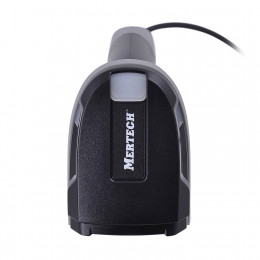
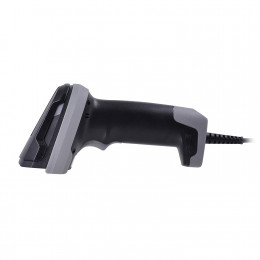
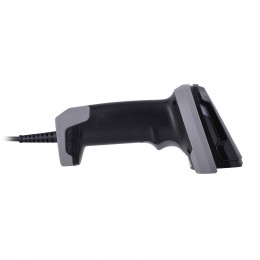
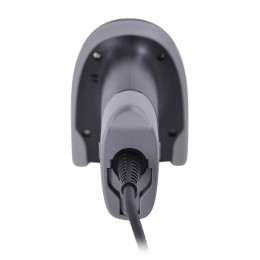
- Barcode scanner. Lets you check every label before shipping and pack orders without errors. FBS orders for home appliances require an ASL Belgisi marking code, and phones require an IMEI. A 2D barcode scanner reads both quickly.
- Tape measure and scales. Accurate package dimensions keep your logistics fee correct.
FBS order stickers must be 58 × 40 or 43 × 25 mm. Since June 25, 2026, Uzum staff may refuse an order if its label is blurred or unreadable.
Marketing and advertising on Uzum Market
In organic search, Uzum Market ranks listings with a clear title, full specifications, quality photos, buyer reviews and products in stock higher. On top of that, sellers can use paid and free promotion tools:
- Discounts with a timer — the product gets a "Temporary discount" badge and joins the "Hurry to buy" selection.
- Promo codes — discounts of up to 50% on your store's products, with usage reports.
- Promotions calendar — marketplace campaigns, sometimes with a reduced commission.
- "Boost to TOP" — ads paid per 1,000 impressions with a weekly budget.
- "Order boost" — you pay a percentage of the sale only after the buyer receives the order.
Plan an advertising budget for your first month. A new listing without reviews rarely reaches the top on its own. Ask buyers for reviews and answer them: ratings directly affect your sales.
Common mistakes new sellers make
Most problems at launch come from preparation, not from the platform:
- Not reading the marketplace rules and the list of banned products.
- Skipping unit economics: commission, logistics, packaging and taxes.
- Wrong package dimensions that raise the logistics fee.
- A first batch that is too large and ends up in paid storage.
- Unreadable labels printed on an office printer or at low resolution.
- Weak photos and descriptions, with no advertising in the first month.
- Late FBS cancellations that hurt your rating and cost money.
Frequently asked questions
How much does it cost to start selling on Uzum Market?
Registration and listings are free. You need money for products, packaging, labels and advertising in your first month. Commission and logistics are charged only on sold products.
Can foreigners sell on Uzum Market?
Not directly. A foreign seller needs to register an individual entrepreneur or a company in Uzbekistan and open a local bank account.
How do Uzum Market payouts work?
Revenue goes to your bank account on schedule: free monthly or every two weeks, 1% weekly, 1.5% daily. Urgent withdrawal costs 2.5%.
What label size does Uzum Market require?
Product labels should be 58 × 40 or 58 × 60 mm, with a minimum of 40 × 30 mm. FBS order stickers are 58 × 40 or 43 × 25 mm.
Conclusion
To start selling on Uzum Market, you need a registered business in Uzbekistan, a bank account and an Uzum Sellers account. Then add Uzum as a commission agent, set up your store, create listings and send your first shipment. Calculate your margin with the commission and logistics fee in mind, and prepare labels that meet the marketplace requirements.
At MERTECH, we manufacture thermal label printers and barcode scanners for sellers on Uzum Market, Wildberries and Ozon, and we help businesses in Uzbekistan choose the right setup for their volume. Choose equipment for your launch in our catalog with delivery across Uzbekistan.
Sources: Uzum Market seller manual (seller.uzum.uz/manual), Uzum press releases. Rates and rules change, so check your seller cabinet before launch.