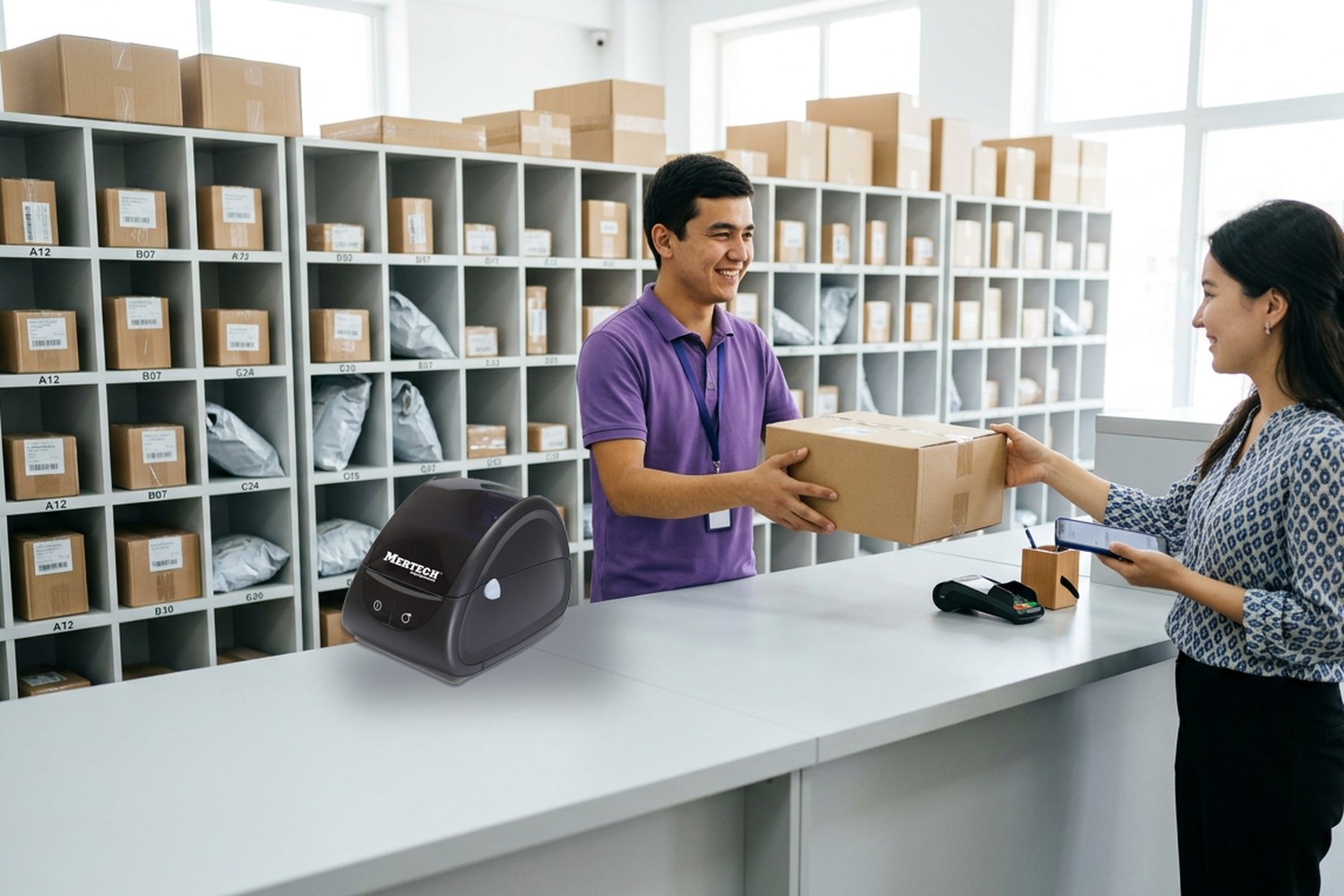
A parcel pickup point (pick-up point) is a small logistics hub where customers can collect parcels instead of waiting for home delivery. Every box is scanned on arrival, every order is scanned into a storage cell, and every customer shows a QR code that must be scanned at handover. If the barcode scanner is slow or cannot read a code from a phone screen, lines grow and the pickup point's rating drops. This guide explains what equipment a pickup point needs in Uzbekistan, which scanner and label printer to choose for Uzum Market, Wildberries and Ozon, and how to avoid common mistakes.
Contents
- How a pickup point works
- Pickup point equipment checklist
- Which barcode scanner a pickup point needs
- Wired vs wireless scanners
- Do you need a label printer
- Computer, mobile computer or smartphone
- Furniture, security and cash handling
- How many parcels can one workstation handle
- Common mistakes
- Frequently asked questions
- Conclusion
How a pickup point works
A pickup point (also called a PUDO point, parcel shop or order collection point) is where customers collect online orders instead of waiting for home delivery. The daily operation has four steps:
- Receiving. A courier delivers boxes and bags of orders. Staff scan each parcel in the marketplace app to confirm it has arrived.
- Storage. Each order goes into a numbered cell on a shelf. Staff scan the parcel and the cell label, so the system knows where every package is.
- Handover. When customers come to pick up their parcels, the customer shows a QR code or barcode in the Uzum Market, Wildberries or Ozon app. Staff scan it from the phone screen, find the parcel in its cell and hand it over.
- Returns. If the customer refuses an item, staff register the return, scan the item and pack it for shipping back to the marketplace warehouse.
At a pickup point, the scanner works all day, with hundreds of scans at receiving and handover. Its speed and reliability directly affect queue length and the point's rating.
All operations run through the marketplace partner app or web portal. Pickup points in a marketplace network follow the same process, but each marketplace sets its own requirements in the partner agreement, but the core equipment is similar everywhere.
Pickup point equipment checklist
A partner guide for Uzum Market pickup points (uzum-biznes.uz) lists a laptop, a mobile phone, a barcode scanner, a printer for documents and labels, a Wi-Fi router, security cameras, a safe, a cash drawer, a money counter, fire extinguishers, shelving for addressed storage, a staff counter, an inspection table and a fitting room. The recommended floor area starts at 20 m². The site is not official, so confirm the list with your marketplace manager before buying.
| Equipment | Why you need it | Required? |
|---|---|---|
| 2D barcode scanner | Receiving, storage, handover by QR code on a phone screen | Yes |
| Laptop or desktop computer | Running the marketplace app, printing labels | Yes |
| Reliable internet | Every operation is online | Yes |
| Thermal label printer | Cell labels, return labels, shipping labels | Recommended |
| Shelving with numbered cells | Addressed storage of orders | Yes |
| Security cameras | Handover control and dispute resolution | Usually required |
| Safe, cash drawer, money counter | Cash on delivery payments | If you accept cash |
| Mobile computer | Mobile receiving and inventory | Optional, for busy points |
Equipment bundles for marketplace sellers and pickup points are collected in our marketplace seller equipment section.
Which barcode scanner a pickup point needs
The key requirement: the scanner must read 2D barcodes such as QR codes and Data Matrix from smartphone screens. Customers arrive with a QR code in the app, not a paper receipt. A laser or linear CCD scanner cannot read it, so a pickup point needs a 2D area imager.
Other features to check:
- Screen reading. It should read a QR code from a phone even at low screen brightness or through a screen protector.
- Damaged labels. Boxes arrive crushed, and labels are often scuffed or stuck over a fold.
- Speed. A good 2D imager decodes in a fraction of a second without careful aiming.
- USB HID connection. The scanner works like a keyboard, with no driver needed, and is compatible with marketplace apps in a browser.
- Durability. Scanners at pickup points get dropped more often than in retail stores.
Only a 2D barcode scanner works at a pickup point: customers show a QR code on their phone, and a 1D scanner cannot read it.
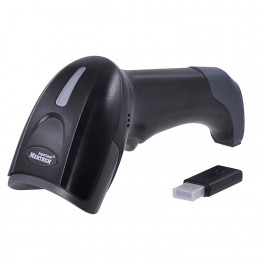
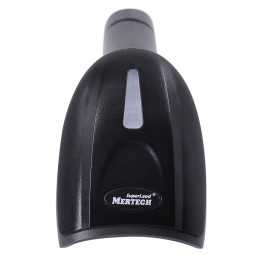
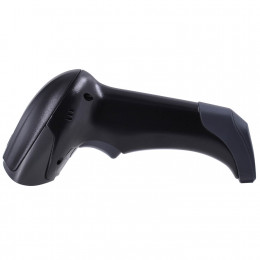
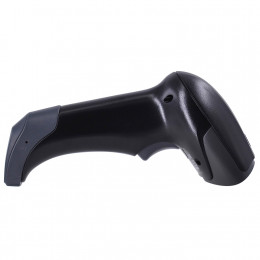
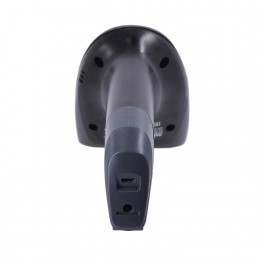
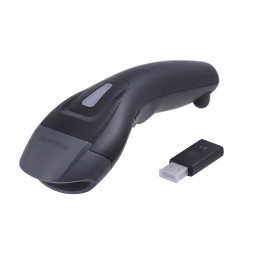
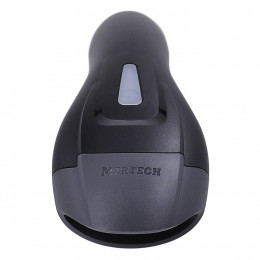
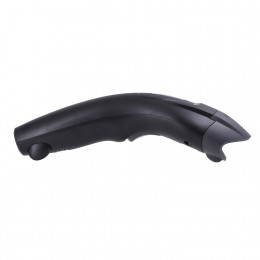
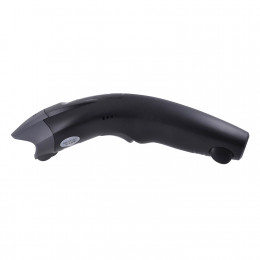
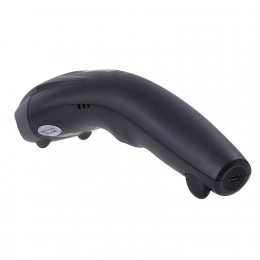
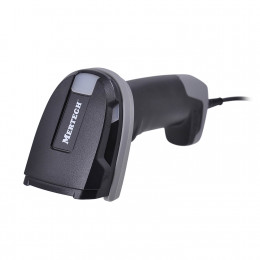
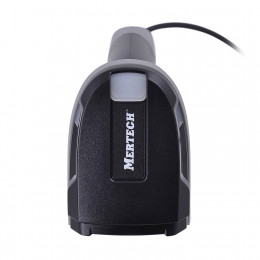
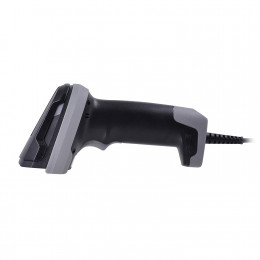
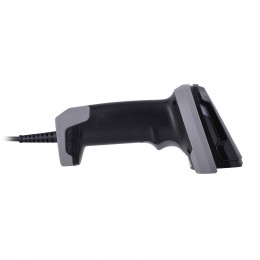
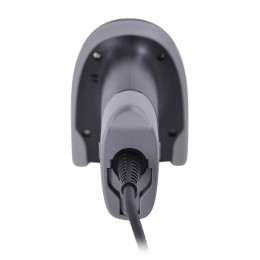
See suitable models in pickup point scanners. For example, the wired MERTECH 2410 P2D SUPERLEAD is a reliable choice for the handover counter. To learn how scanners work and how 1D differs from 2D, read What Is a Barcode Scanner.
Wired vs wireless scanners
Wired scanners connect via USB. They cost less, never need charging and suit the handover counter, where customers hold their phones up to the staff member.
Wireless scanners send data via Bluetooth or a USB dongle. Staff can scan parcels at the door or at the shelf instead of carrying them to the computer. Examples include the MERTECH CL-2310 BLE Dongle and the compact MERTECH CL-610. See all wireless scanners.
| Task | Wired scanner | Wireless scanner |
|---|---|---|
| Handover at the counter | Ideal | Good |
| Receiving parcels from the courier | Inconvenient | Convenient |
| Putting parcels into cells | Inconvenient | Convenient |
| Inventory counts | Inconvenient | Good, a mobile computer is better |
| Price | Lower | Higher |
The best setup for a pickup point is a wired 2D scanner at the handover counter plus a wireless 2D scanner for receiving and storage.
Do you need a label printer
A label printer is not always on the mandatory list, but almost every pickup point uses one:
- Cell and shelf labels. Every storage cell needs a barcode label, or addressed storage does not work.
- Returns. A return package often needs a barcode label generated by the marketplace app.
- Bags and boxes for dispatch. Labeling containers makes handover to the courier faster.
- Your own products. If the owner also sells on a marketplace, the printer prints product and shipment labels.
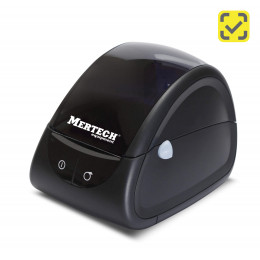
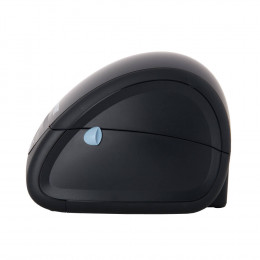
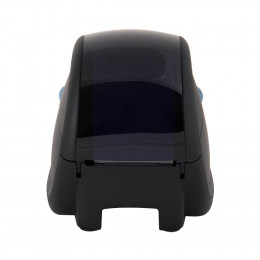
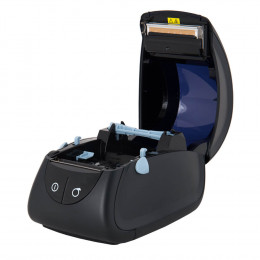
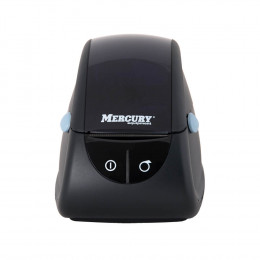
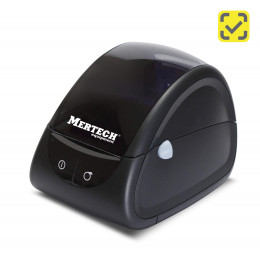
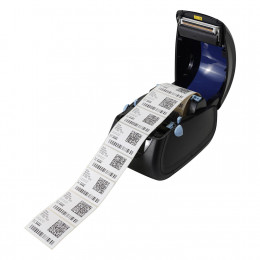
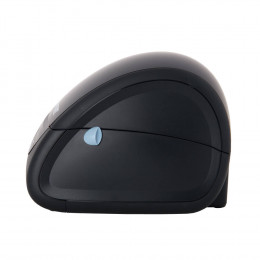
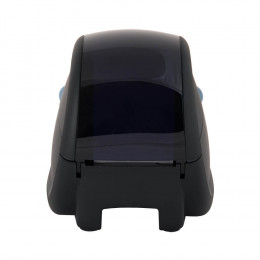
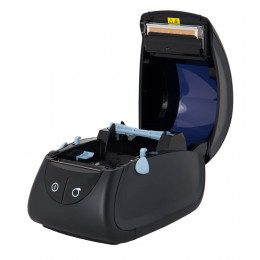
A direct thermal label printer with 58 mm or 80 mm print width is the right choice. It prints on self-adhesive thermal labels without ribbon. The MERTECH LP58 EVA is a compact model for 58×40 mm labels. The MERTECH LP80 EVA also prints standard 75×120 mm marketplace labels. See all marketplace label printers.
If your pickup point handles both returns and cell labels, choose an 80 mm thermal printer: it covers every common size from 58×40 to 75×120 mm.
Computer, mobile computer or smartphone
The workstation is built around a laptop or desktop computer running the marketplace app or web portal, with the scanner and printer connected via USB. The hardware requirements are modest: a modern browser, 8 GB of RAM, free USB ports and stable internet. Some marketplaces allow staff to work from a smartphone, but a phone camera scans much more slowly than a dedicated 2D scanner.
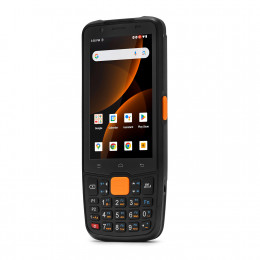
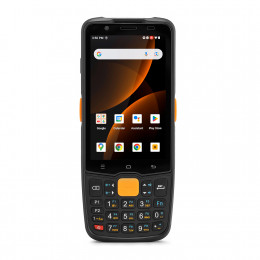
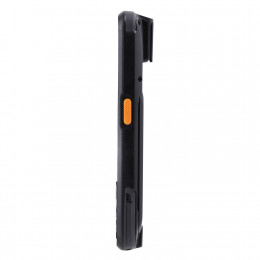
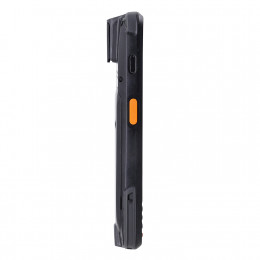
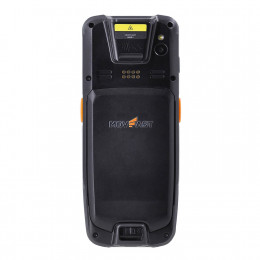
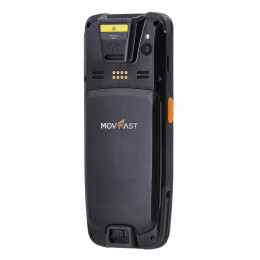
A mobile computer (handheld terminal) is an Android device with a built-in scan engine. It replaces the scanner-plus-PC setup for receiving and inventory, so staff see tasks on the screen and scan parcels where they are. Example: MERTECH MovFast S40. See all mobile computers.
Furniture, security and cash handling
Besides the hardware, a pickup point needs:
- shelving with numbered cells;
- a handover counter and an inspection table;
- a fitting room with a mirror for clothing and shoes;
- security cameras over the counter and the storage area;
- fire extinguishers and a safe.
Some customers pay cash on delivery. A money counter speeds up closing the shift and reduces counting errors. MERTECH money counters support Uzbek som: see banknote counters and banknote detectors.
Cameras over the handover counter are not a formality. A recording of the handover is the owner's main evidence if a customer or the marketplace files a claim.
How many parcels can one workstation handle
A trained employee with a 2D scanner hands over a parcel in under a minute: scan the customer's code, take the parcel from the cell, scan it again to confirm. At peak hours your pickup point can receive dozens of customers per hour, so plan one workstation per 150–200 parcels a day. If you can see the queue growing, add a second counter with its own scanner before adding staff.
Plan one workstation with its own scanner for every 150–200 parcels a day. A second scanner is cheaper than a lost customer.
Common mistakes
- Buying a 1D scanner. It is cheaper but cannot read QR codes from phones, so you cannot hand over orders.
- One scanner for the whole point. While staff receive parcels from the delivery courier, the handover line stops and customers wait.
- The wrong label size. A 58 mm printer cannot print a 75×120 mm return label.
- No spare scanner. If the only scanner breaks on a peak day, handover stops.
- Weak internet. All marketplace operations are online, so keep a backup connection such as a mobile modem.
Planning to sell on a marketplace as well? Read our guide How to Sell on Uzum Market.
Frequently asked questions
What scanner does a Wildberries or Ozon pickup point need?
A 2D barcode scanner that reads QR codes from smartphone screens. It connects via USB in keyboard emulation mode and works with marketplace apps without drivers.
Can one scanner work with Uzum Market, Wildberries and Ozon?
Yes. The scanner sends the code to the app as keyboard input, so one 2D scanner works with all marketplaces.
Which label printer is best for a pickup point?
An 80 mm direct thermal label printer. It prints 58×40 mm cell labels and 75×120 mm return labels.
How much space does an Uzum Market pickup point need?
According to the Uzum partner guide, from 20 m². Confirm the exact requirements with the marketplace manager.
Conclusion
The core pickup point equipment is a computer, a 2D barcode scanner, a thermal label printer, shelving with cells and security cameras. For a busy point, add a wireless scanner or a mobile computer for receiving.
MERTECH supplies barcode scanners, label printers and mobile computers for Uzum Market, Wildberries and Ozon pickup points, with delivery across Uzbekistan. Choose your equipment in pickup point scanners.