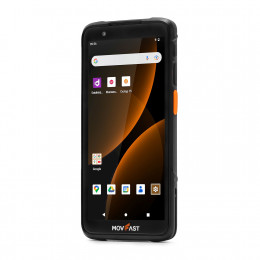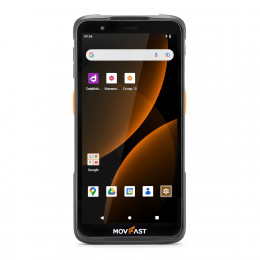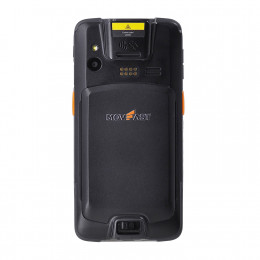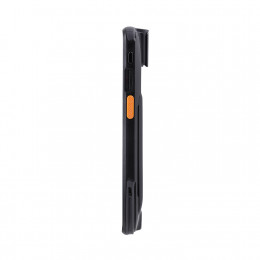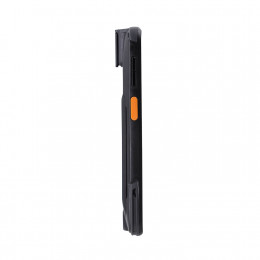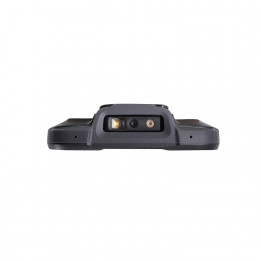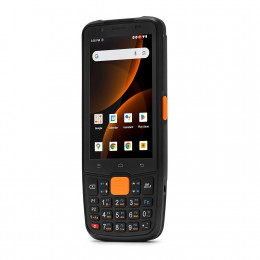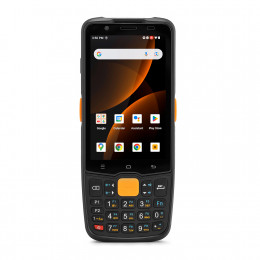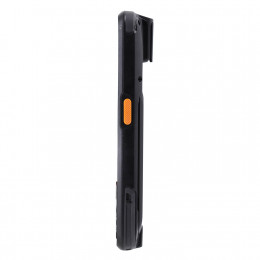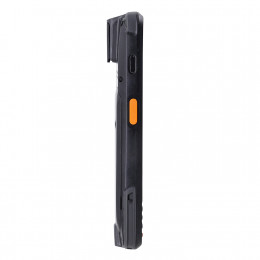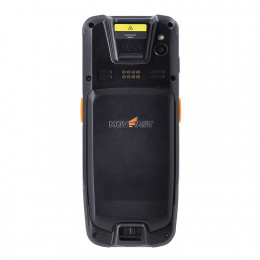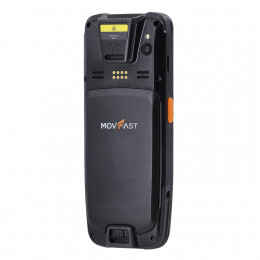
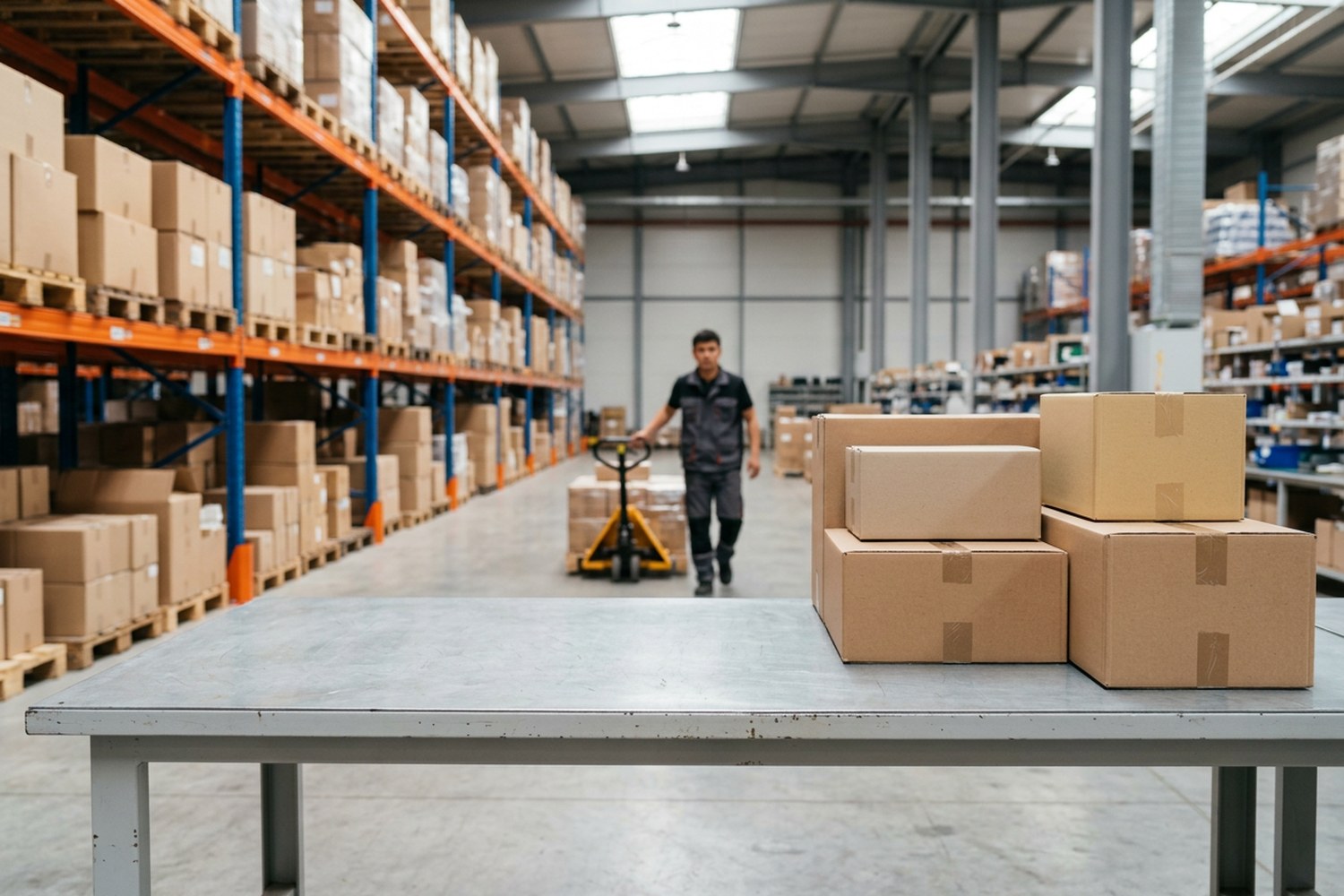
A mobile computer (also called a handheld terminal, rugged handheld or data collection terminal) is a handheld device with a built-in barcode scanner that workers carry around the stockroom to record every inventory operation in real time. In short, a mobile computer replaces paper picking lists, manual counts and re-typing data into the computer. This guide explains what a mobile computer is, how it differs from a barcode scanner and a smartphone, which operations it improves, how to use it step by step, how to connect it to 1C or a WMS, and how to choose the right device for a business in Uzbekistan.
What is a mobile computer
A mobile computer is a rugged handheld computing device designed for data capture in logistics, warehousing, retail and manufacturing. It combines a barcode scanner, a touchscreen, a processor, wireless connectivity and a long-life battery in one industrial device that fits in your hand.
In Russian-speaking countries, including Uzbekistan, this device is called a TSD (terminal sbora dannykh), which means data collection terminal. Whatever the name, the job is the same: the worker scans barcodes where the products are, and the data goes straight to the inventory management system.
A mobile computer is a scanner, a computer and a workstation in one device. Inventory is recorded where the stock is, not at a desk in the office.
Modern mobile computers run Android, so the interface feels like a smartphone. Unlike a consumer phone, these devices are built for industrial environments: drops onto concrete, dust, moisture, cold storage and full shifts of continuous scanning.
Key components of a mobile computer
| Component | What it does |
|---|---|
| 1D or 2D scan engine | reads barcodes: EAN-13, Code 128, QR codes, Data Matrix |
| 4–6 inch touchscreen | shows tasks, picking lists and quantities |
| Processor and memory | runs logistics apps and stores data offline |
| 4000–6000 mAh battery | lasts a full shift without charging |
| Wi-Fi, 4G, Bluetooth | real-time data exchange with the WMS, mobile printing |
| Rugged housing | survives drops, dust and moisture |
| Physical scan buttons | fast one-handed scanning |
For logistics operations, the 2D scan engine matters most. It reads linear barcodes as well as Data Matrix codes used for mandatory product marking in Uzbekistan under the ASL BELGISI system. To learn more about scan engines, read What Is a Barcode Scanner.
Mobile computer vs barcode scanner vs smartphone
| Feature | Barcode scanner | Smartphone | Mobile computer |
|---|---|---|---|
| Scanning speed | high | low (camera) | high (dedicated scan engine) |
| Works without a PC | no | yes | yes |
| Shows tasks and data | no | yes | yes |
| Rugged design | sometimes | no | yes |
| Battery for a full shift | yes | rarely | yes |
| Enterprise software support | — | limited | full |
Handheld barcode scanners only read a code and send it to a computer by cable or Bluetooth. A smartphone can run apps, but its camera scans slowly, and it is not built for drops and dust. A mobile computer does everything: it shows the task, checks the scanned item against the order, stores the data and syncs it with the system.
If staff need to see information on screen and work away from the computer, you need a mobile computer, not just a scanner.
How mobile computers are used in warehouse operations
Mobile computers improve efficiency across all core distribution processes:
- Receiving. Workers scan every item on arrival and instantly see discrepancies with the supplier's delivery note.
- Put-away. The device shows the storage location, and the worker scans the item and the bin.
- Picking. Pickers get a picking list with locations and quantities on the screen, and scanning prevents wrong items.
- Packing and shipping. The device confirms that the right products go into each box or pallet.
- Inventory counts and cycle counting. Stock is counted bin by bin without paper, and results upload to the system immediately.
- Returns and transfers. Every movement is recorded in real time.
- Product marking. Scanning Data Matrix codes on marked goods at receiving and shipping.
Benefits for inventory management:
- Productivity. Receiving, picking and inventory tasks take far less time than with paper.
- Accuracy. Picking errors and mix-ups almost disappear.
- Real-time visibility. Managers see current stock levels, not yesterday's numbers.
- Accountability. The system tracks who did each operation and when.
- Less paper. No printed picking lists or count sheets.
The main benefit of mobile computers is fewer errors. People confuse similar SKUs; the scanner checks every barcode against the database.
How to use a mobile computer: step by step
Most apps follow the same workflow:
- Turn on the handheld and log in to the app with your user name.
- Select a task: a supplier receipt, a pick order or a bin count.
- Scan the barcode. Point the device at the barcode and press the scan button. The app finds the product and shows the expected quantity.
- Enter the quantity. Scan each unit or type the number for identical packs.
- Scan the location if you use bin locations.
- Check discrepancies. The app highlights shortages or extra items.
- Complete the task. Over Wi-Fi the data goes to the WMS or 1C immediately. Without a connection, it is stored in memory and synced later.
New workers learn a mobile computer in a day or two: the interface looks like a smartphone, and the app guides each step.
Tips to keep devices working longer:
- charge the handheld in a cradle after each shift, and keep a spare battery for two-shift work;
- use a protective case and a hand strap if drops are frequent;
- keep the scan window clean, because dust slows down scanning;
- update the app and Android as the supplier recommends.
Software: WMS and 1C integration
The hardware alone does not run your operations. You need software that connects the mobile computer to your inventory system:
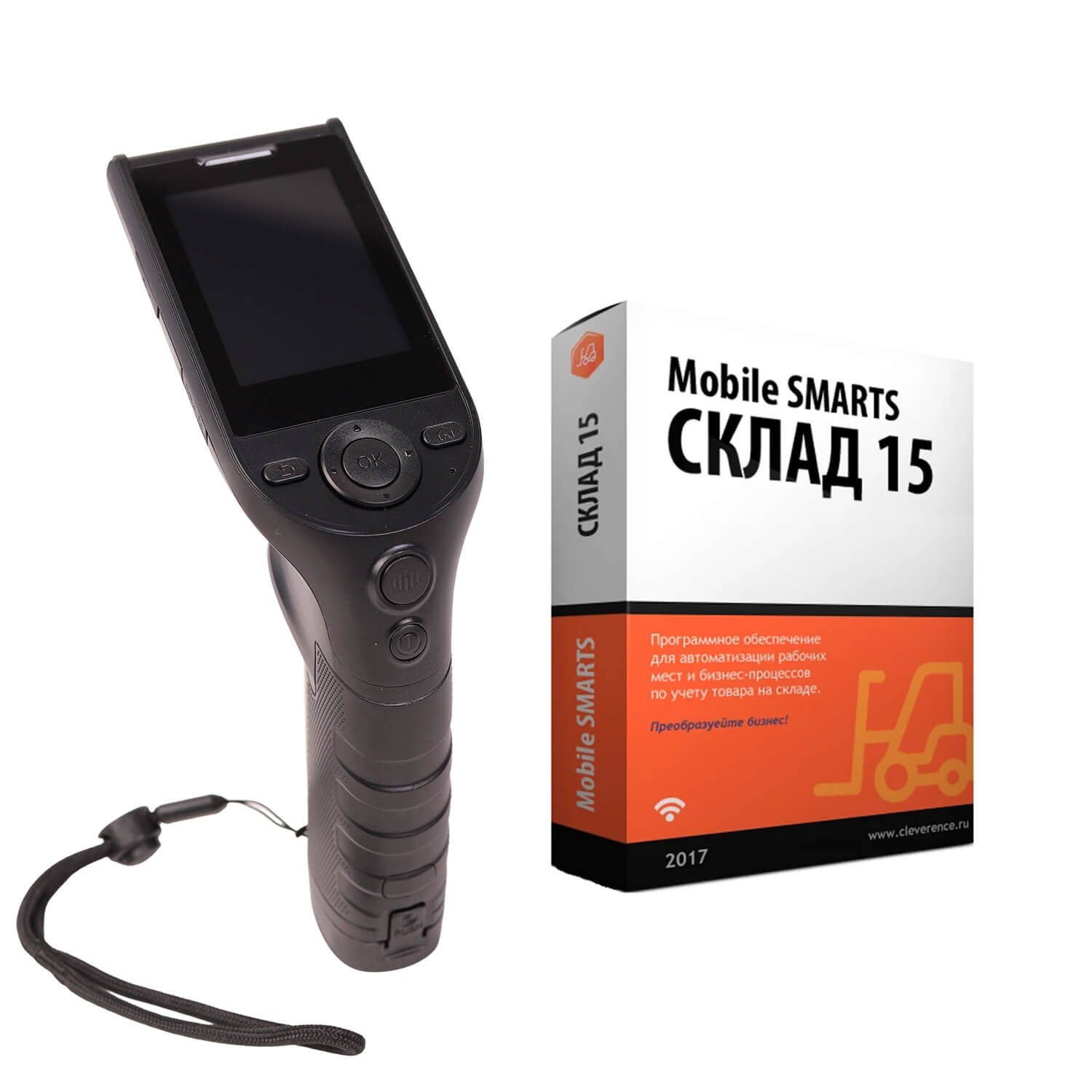
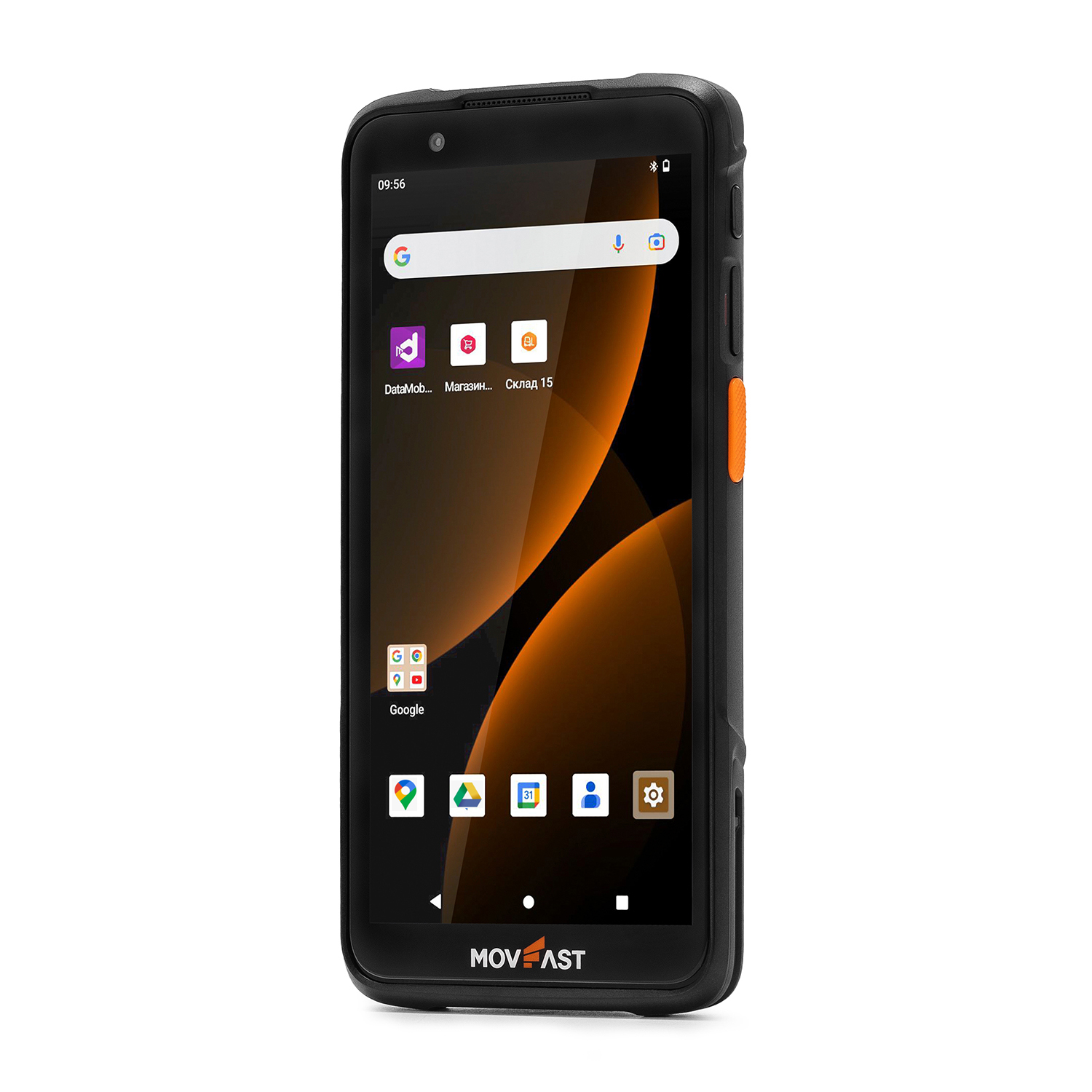
- A ready-made mobile app for 1C. For example, MERTECH MovFast mobile computers come with Cleverence Warehouse 15 and Store 15 preinstalled, with a free three-month trial. They support receiving, picking, inventory counts and product marking.
- A warehouse management system (WMS) with its own client app for handheld devices.
- A custom app or web interface that Android devices open in a browser.
How to connect a mobile computer to 1C:
- Install the mobile app on the handheld and the integration module in 1C.
- Connect the handheld to the Wi-Fi network that reaches the 1C server.
- Set up data exchange: the product list with barcodes goes to the handheld, and completed tasks go back to 1C.
- Test scanning on several products and run a test document.
Devices with ready-to-use software are in the mobile computers for 1C collection. For example, the MERTECH Seuic AutoID LIM kit with Warehouse 15 software is ready to work once data exchange is set up.
Types of mobile computers
| Type | Feature | Best for |
|---|---|---|
| Keypad handheld | physical keys, works with gloves | cold storage, manufacturing |
| Touchscreen handheld | large screen, light weight | warehouses, retail, pickup points, couriers |
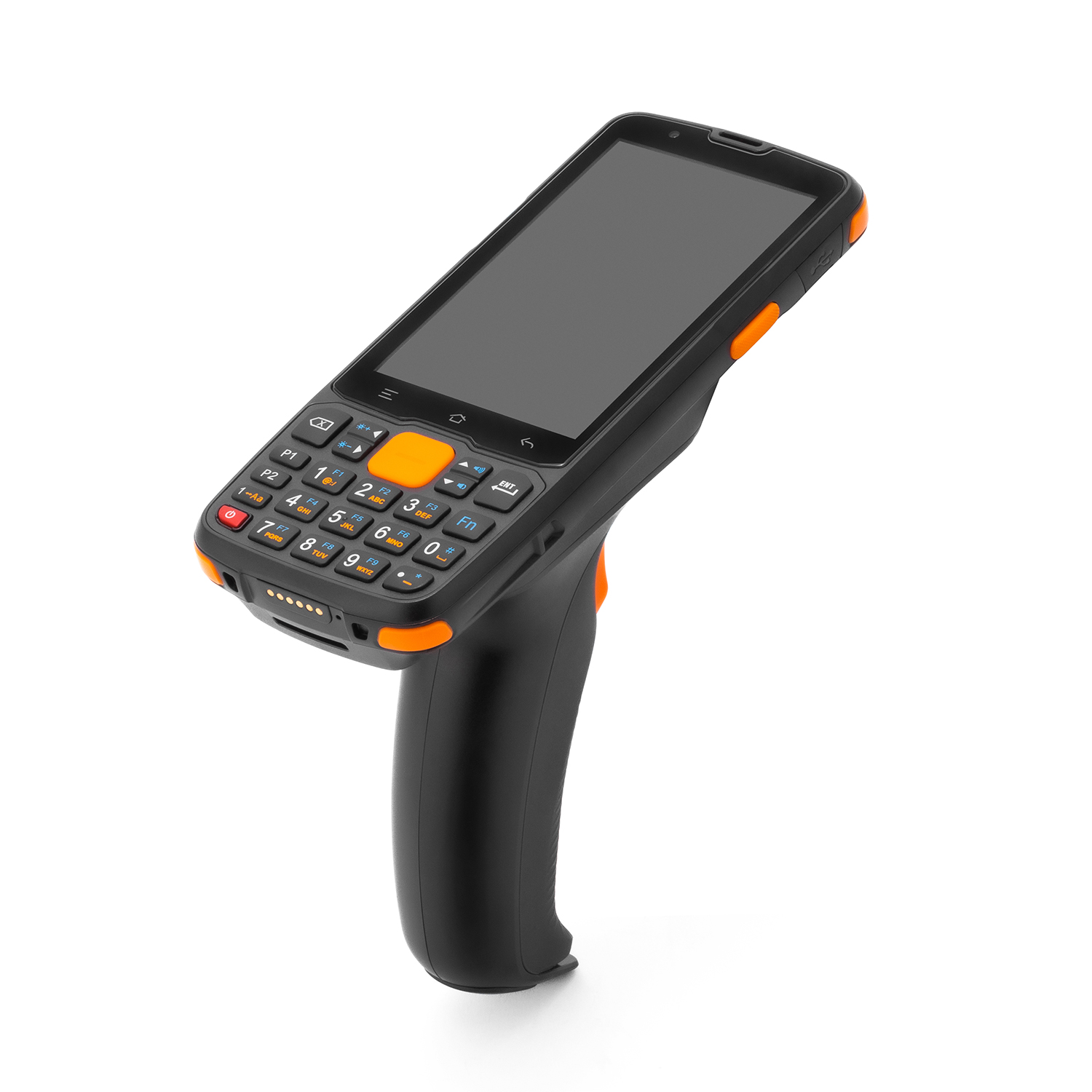
| Pistol grip | comfortable for high-volume scanning | receiving and picking in large distribution centres |
| Wearable | hands-free | intensive order picking |
| RFID mobile computer | reads tags without line of sight | apparel warehouses, asset tracking |
| Rugged tablet | 8–10 inch screen | forklifts, dock receiving |
For most businesses in Uzbekistan, an Android touchscreen handheld with a 2D scan engine is the right choice. For high-volume scanning, choose a pistol grip model, and for large apparel inventories, consider RFID mobile computers.
How to choose a mobile computer for your warehouse
- Scan engine. Choose 2D to read QR and Data Matrix codes. See 2D mobile computers.
- Operating system. Choose a current Android version (11–13) so modern logistics apps run smoothly.
- Battery life. 5000 mAh or more covers a shift; add spare batteries for two shifts.
- Connectivity. Dual-band Wi-Fi (2.4 and 5 GHz) for the warehouse, 4G for field work.
- Rugged design. Check the drop rating and dust and water protection.
- Form factor. Touchscreen handheld or pistol grip for intensive scanning.
- Software compatibility. Make sure your WMS or 1C app supports these devices.
- Support and accessories. Charging cradles, cases, spare batteries and local warranty in Tashkent. See mobile computer accessories.
Popular MERTECH mobile computers on mertech.uz:
| Model | Screen | Battery | OS | Price* |
|---|---|---|---|---|
| MovFast S40 | 4.0" | 5200 mAh | Android 13 | 4,545,500 UZS |
| MovFast S55 | 5.5" | 5000 mAh | Android 13 | 4,728,800 UZS |
| MovFast S45 GRIP | 4.0", pistol grip | 5200 mAh | Android 11 | 4,977,700 UZS |
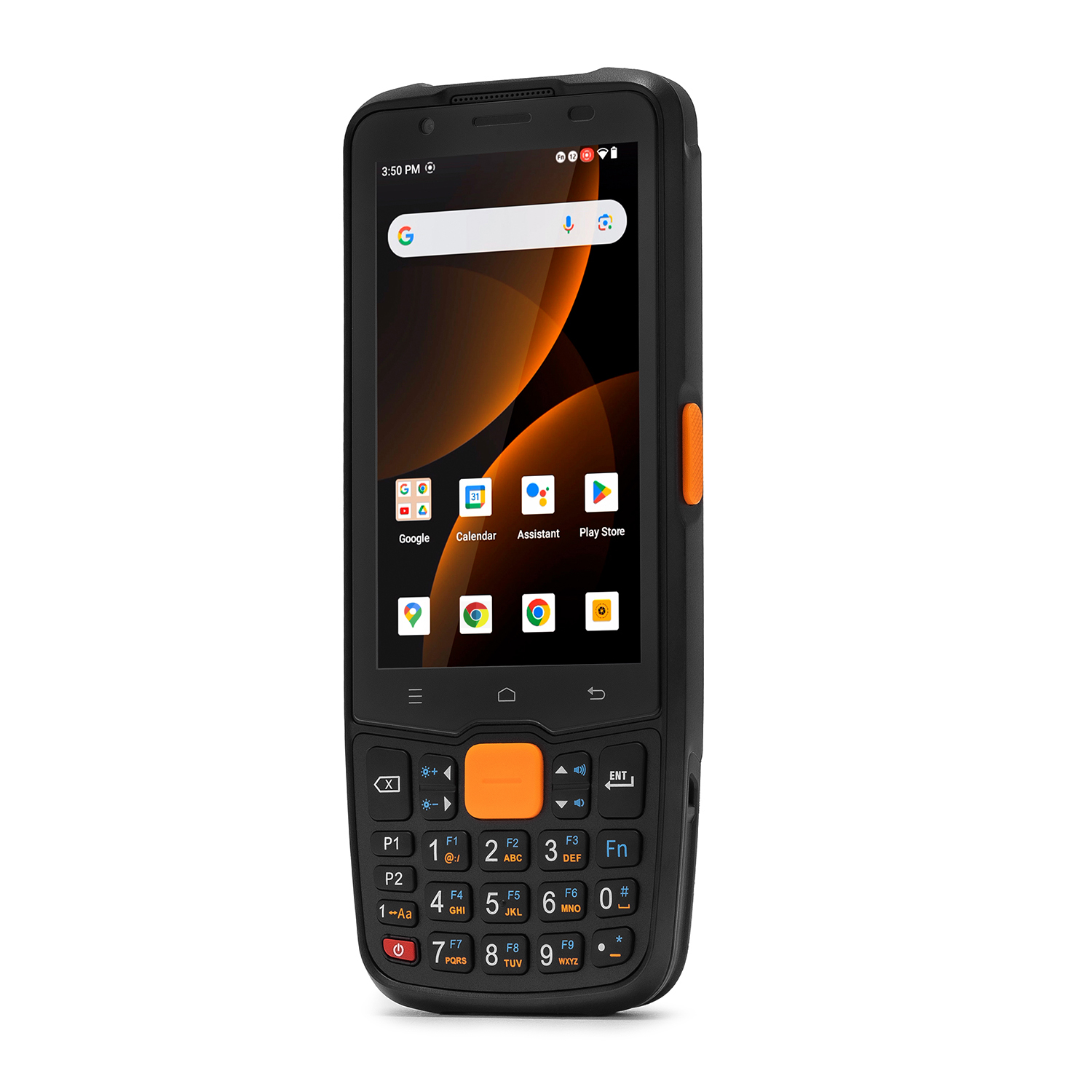
* Prices on mertech.uz as of November 6, 2026. Check the product page for the current price.
All three models read 2D barcodes and support dual-band Wi-Fi, 4G and Bluetooth 5.0, with Warehouse 15 and Store 15 preinstalled for a trial period.
Do not choose a mobile computer by price alone. First define your tasks and software, then pick devices that support them.
Durability, ergonomics and total cost of ownership
A warehouse floor is a demanding environment. Mobile computers must withstand drops, dust, temperature changes and many hours of use in different conditions, from food distribution and cold storage to e-commerce fulfillment. That is why durability is one of the most important factors when you plan a deployment.
What to look for to ensure reliable performance:
- Rugged build. The housing should withstand repeated drops onto concrete and offer dust and water resistance.
- Display. A bright touchscreen that is readable under warehouse lighting and works with gloves.
- Ergonomic design. A comfortable grip and well-placed scan buttons reduce fatigue over a long shift.
- Battery capacity. Hot-swappable or spare batteries reduce downtime between shifts.
- Connectivity options. Dual-band Wi-Fi, 4G, Bluetooth and NFC provide seamless communication with printers, headsets and the WMS.
The total cost of ownership is more than the price of the device. It includes software licences, accessories, maintenance, repairs, staff training and the device lifecycle. Entry-level consumer phones may look cheaper, but they break more often, and every broken device means downtime and delayed shipments. Purpose-built rugged devices cost more up front but deliver better value over several years.
Plan your fleet of mobile computers by total cost of ownership: durable devices with local service reduce downtime and repair costs over their lifecycle.
For larger deployments, it is essential to manage the whole fleet centrally: install apps, push updates and control settings on all devices at once. This helps optimize operations and keep every device secure and up to date.
Mobile computers in retail, pharmacy and pickup points
In retail stores, mobile computers handle receiving, price changes, shelf label printing, store inventory and stock checks at the shelf. In pharmacies, they help work with marked medicines and expiry dates.
At Uzum Market, Wildberries and Ozon pickup points, a mobile computer speeds up parcel receiving and storage: staff scan boxes at the door instead of carrying them to a PC. Read more in Pickup Point Equipment.
For full warehouse automation, add a label printer to print bin, product and carton labels. Handheld devices send print jobs over Bluetooth or Wi-Fi.
Frequently asked questions
What is a mobile computer in simple terms?
It is a handheld computer with a barcode scanner. Staff use it to scan products and record operations in the inventory system in real time.
What is the difference between a mobile computer and a smartphone?
A mobile computer has a dedicated scan engine, a rugged housing and a battery for a full shift. It runs enterprise software, while a smartphone is built for personal use.
Can a mobile computer work without internet?
Yes, these devices store data in memory and syncs with the system when Wi-Fi or 4G is available.
Do mobile computers work with 1C?
Yes. Install a mobile app such as Warehouse 15 on the device and set up data exchange with 1C.
How much does a mobile computer cost in Uzbekistan?
MERTECH MovFast mobile computers on mertech.uz start at about 4.5 million UZS. Kits with ready software cost more.
Conclusion
A mobile computer pays off in any warehouse where receiving, picking and inventory errors cost money. It speeds up operations, removes paper and gives real-time stock visibility.
Choose devices for your tasks in the mobile computers section on mertech.uz. MERTECH supplies mobile computers, accessories and software with delivery across Tashkent and Uzbekistan.